40
© 2012 SHFL entertainment, Inc.
MD2® CR
Service Manual 20121015
Confidential
New Library File Creation
To create a “new” card deck library:
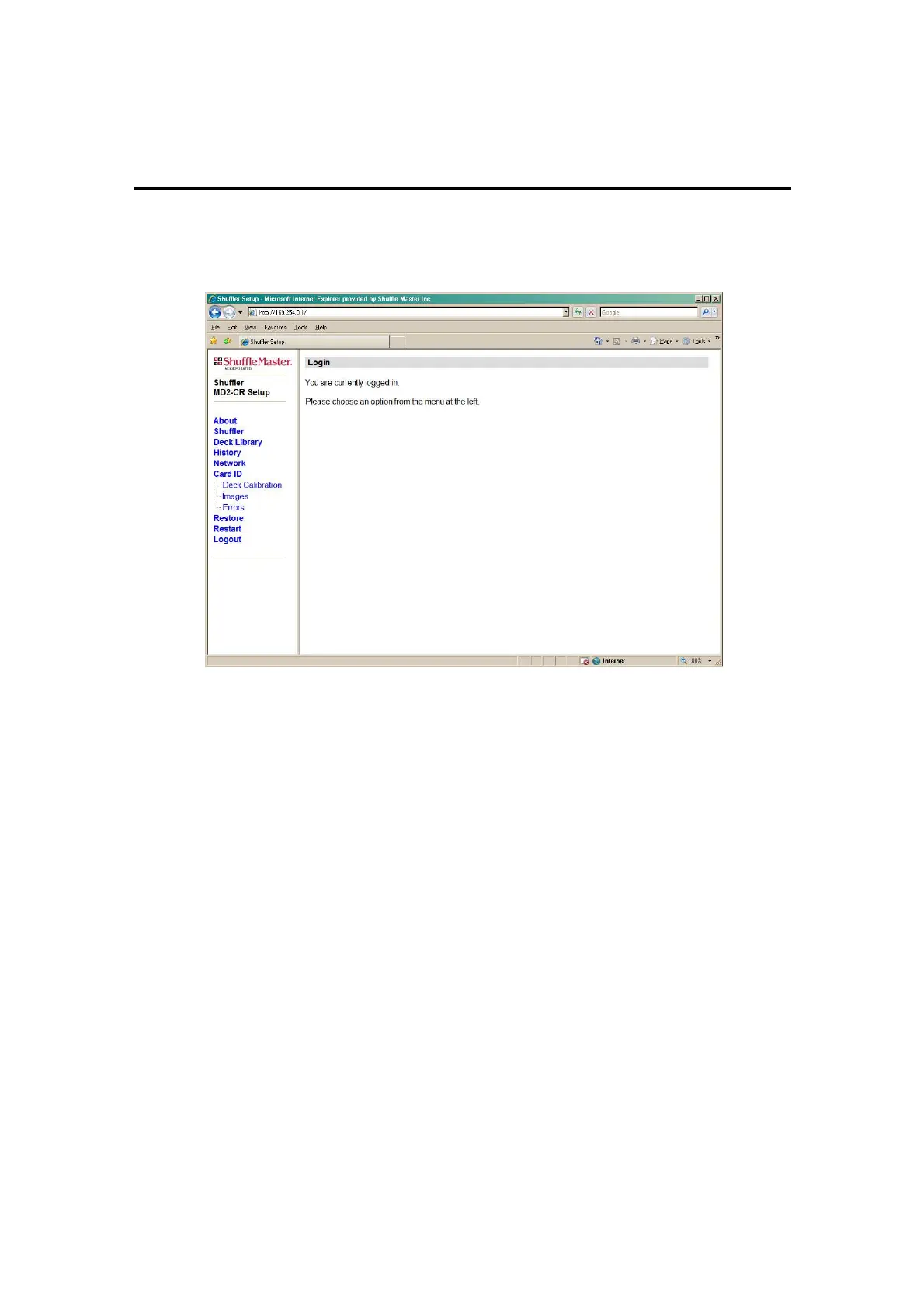
Figure 6-2. Web Page after Login
Click on Deck Library and the Deck Library page, with the Deck
Installation section, will appear, as shown in Figure 6-3.
Type the SHFL entertainment Deck ID number (SID #) in the text box and
type the deck description in the “Install deck with description” text box.
Click Save Changes and allow the web page to refresh.
Confirm that the new deck and description appears in the Deck List. If
not, repeat the previous step.
Depending on the software version, it may be necessary to verify that the
Menu box for that deck is checked. If not, click the Menu box to select it
and click on Save Changes.



 To Next Page