39
© 2012 SHFL entertainment, Inc.
MD2® CR
Service Manual 20121015
Confidential
The following discussion describes the basic operation of the Deck
Manager as it relates to downloading deck types into the shuffler.
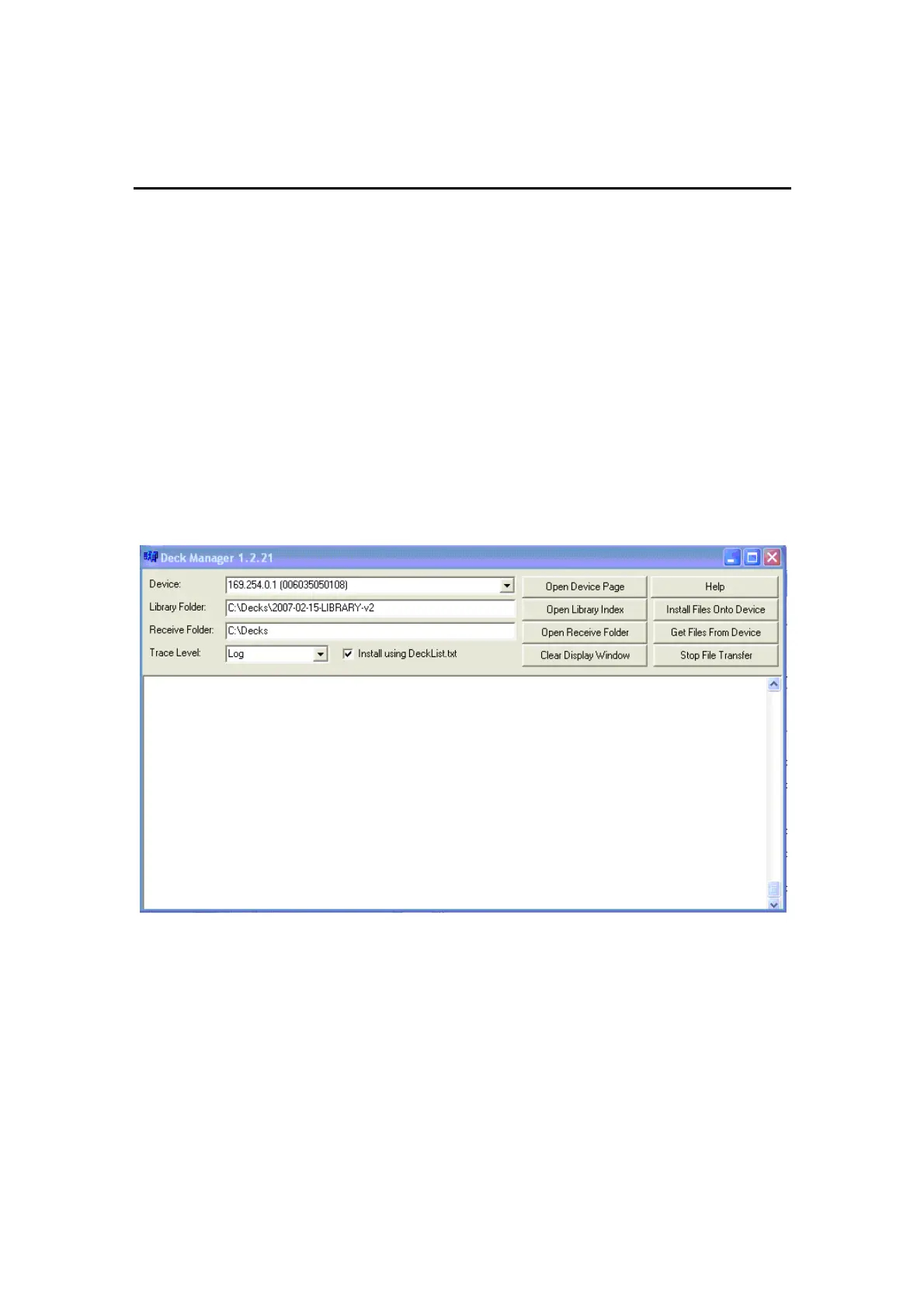
Figure 6-1 shows the basic Deck Manager window. The
Device
in this case
is the shuffler on the same network as the computer running Deck
Manager. Based on the Device Address, a specific shuffler is selected
from the drop-down list of other possible devices connected on the
network.
The
Library Folder
and
Receive Folder
are set to the locations of the decks
to be downloaded and a folder to receive the decks, although the Receive
parameter is not strictly necessary in this scenario. Set Trace Level to
Log
and check the
Install Using DeckList.txt
check box if ALL decks in the
library are to be downloaded.
Figure 6-1. Deck Manager Main Screen



 To Next Page