EasyManua.ls Logo

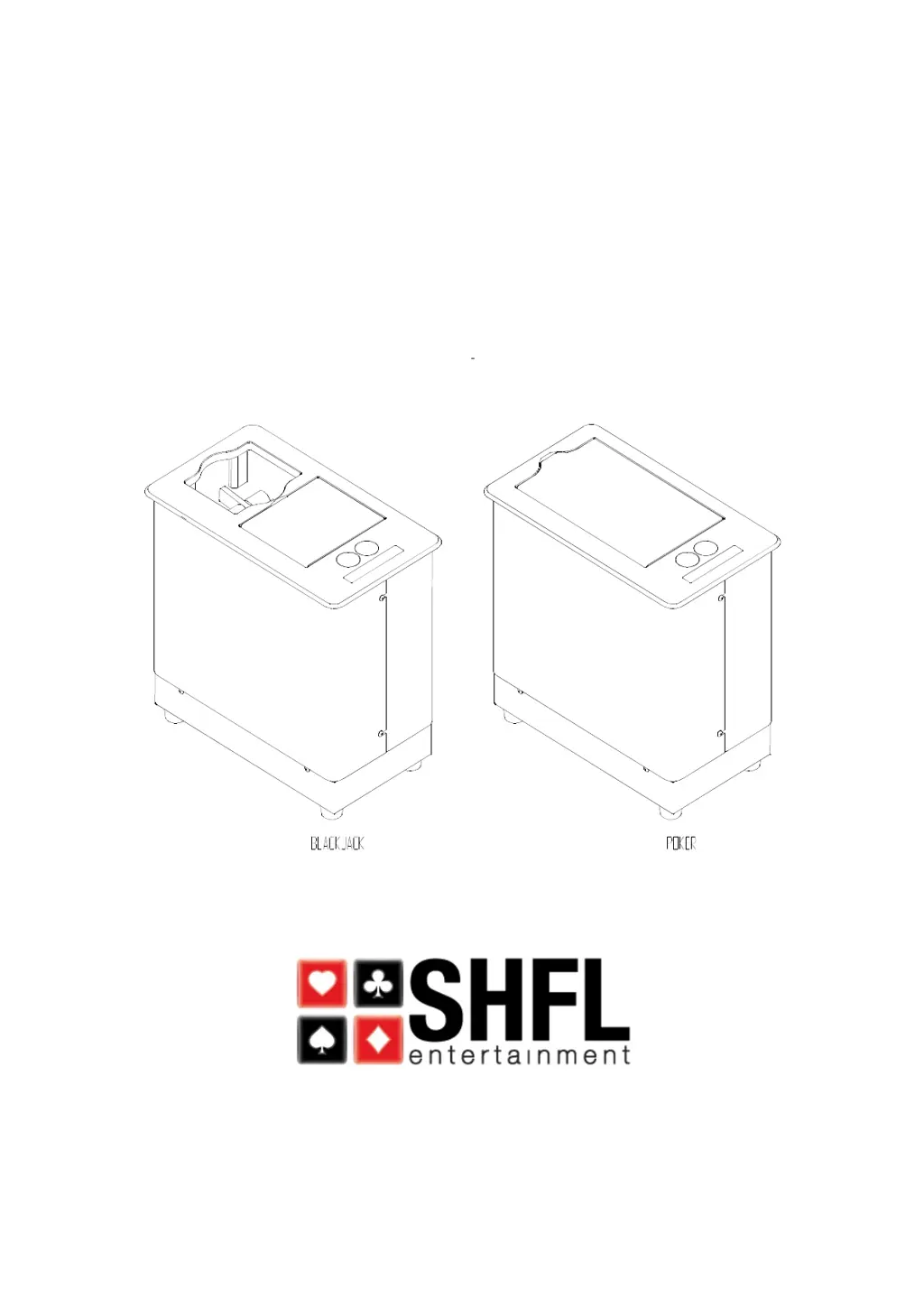
SHFL DECK MATE BLACKJACK - User Manual

SHFL DECK MATE BLACKJACK
28 pages
Print Icon
To Next Page IconTo Next Page
Loading...
Service Manual
DECK MATE
®
Single and Double Deck Card Shuffler

Questions and Answers

  • I
    Isaac CollinsSep 8, 2025
    Why SHFL Office Equipment red light and 'Close Door' message at power up?
    • K
      Kerri LeonSep 8, 2025
      If your SHFL Office Equipment shows a red light and the 'Close Door' message at power up, the Door Home Sensor (DHS) may be faulty. Replace the sensor.
  • D
    Danielle MosesSep 10, 2025
    What to do if SHFL Office Equipment green or red switch will not work?
    • L
      lisa25Sep 10, 2025
      If the green or red switch on your SHFL Office Equipment is not working, the switch itself may be faulty, or there could be a faulty I/O board. Replace the switch. Swap and/or replace the I/O board.
  • S
    Shelby WhiteSep 12, 2025
    What to do if SHFL Office Equipment shows 'Remove Cards' message at power up?
    • J
      Jordan DunnSep 12, 2025
      If your SHFL Office Equipment displays a “Remove Cards” message at power up, it could be due to a faulty Platform Card Present Sensor (PCPS) or a broken #4 PCPS harness. Replace the sensor. Replace the harness.
  • A
    April CampbellSep 13, 2025
    How to fix SHFL Office Equipment poker version door will not open?
    • D
      Donald SmithSep 14, 2025
      If the poker version door of your SHFL Office Equipment will not open, it may be because Single Deck or Double Deck game is selected. Select “Poker” as game in Setup Menu.
  • K
    Kevin YoderSep 15, 2025
    Why SHFL Office Equipment grippers cycle continuously at power up?
    • N
      Natalie BruceSep 15, 2025
      If the grippers on your SHFL Office Equipment cycle continuously at power up, the Gripper Home Switch (GHS) may be faulty. Replace the switch.
  • R
    Ryan SmithSep 18, 2025
    What to do if SHFL Office Equipment shows 'Jam. Open Door Manually. Remove Feeder Cards' message?
    • L
      Lori JohnsonSep 18, 2025
      If your SHFL Office Equipment displays a 'Jam. Open Door Manually. Remove Feeder Cards' message, the Feeder Card Present Sensor (FCPS) sensor may be faulty, or the FCPS harness may be broken. Replace the sensor. Replace the harness.

SHFL DECK MATE BLACKJACK Specifications

General IconGeneral
BrandSHFL
ModelDECK MATE BLACKJACK
CategoryOffice Equipment
LanguageEnglish

Related product manuals