13
Turning the light ON/OFF
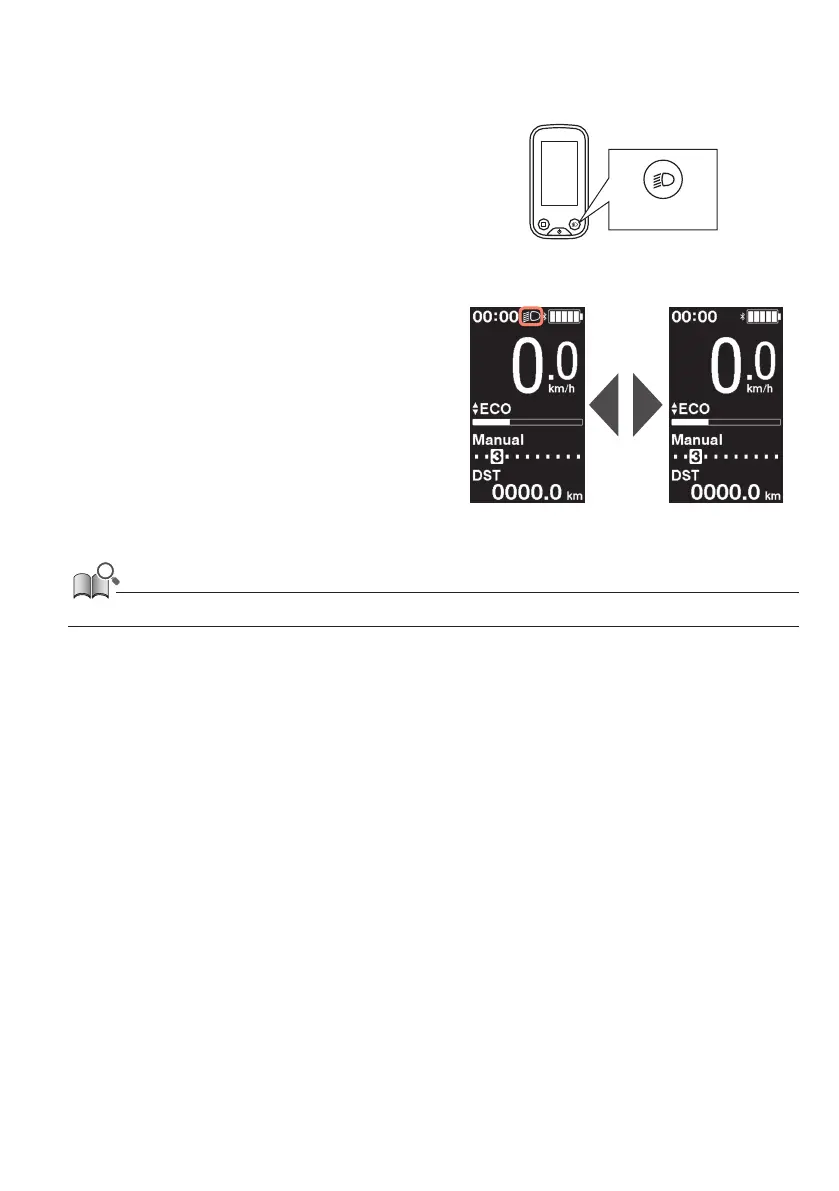
If a light is connected to the drive unit, this product can be used to operate the light.
1.
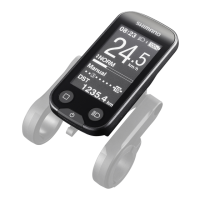
Press the light button.
•
Lights are turned on.
•
To turning off the lights, push the button again.
*
When the battery powered light is not connected and
[Backlight] is set to [MANUAL], pressing the light
button turns the cycle computer’s backlight on and
off.
When the light is
turned on
When the light is
turned off
Light button
• The light power is linked with the main power. The light cannot be turned ON when the main power is OFF.






 To Next Page