15
Resetting the traveling distance
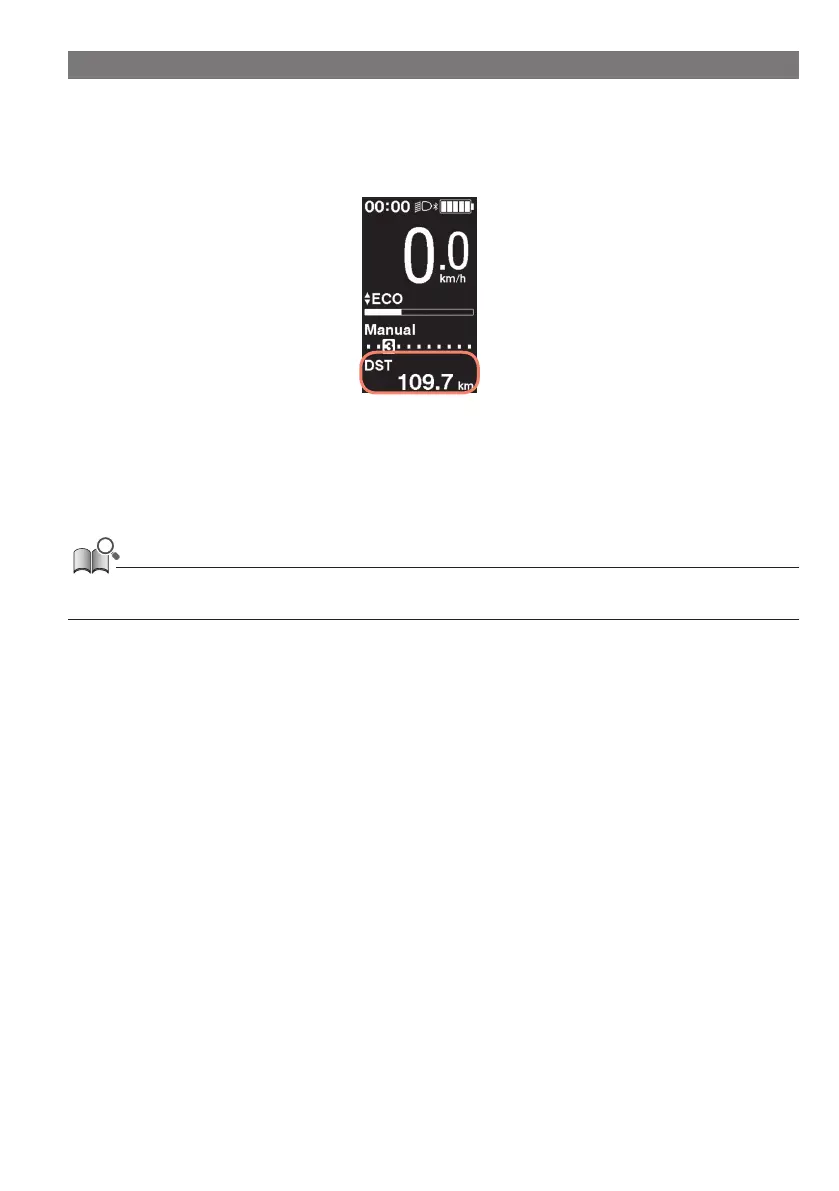
The traveling distance is reset from the main screen. When the traveling distance is reset, [TIME] (traveling time), [AVG]
(average speed), and [MAX] (maximum speed) will also be reset.
The traveling distance can also be reset from the setting menu. Refer to "Resetting the settings [Clear]".
1.
On the main screen: <F> (switches the traveling data display to [DST])
2.
<F> (continue to hold until the number displayed for [DST] flashes)
3.
When the number displayed for [DST] flashes: <F>
The traveling data is reset.
• If nothing is done for five seconds after the number for [DST] begins flashing, it will stop flashing and the screen will return to the main
screen.



 To Next Page