23(29)
5) Press “Menu” key to return operation menu.
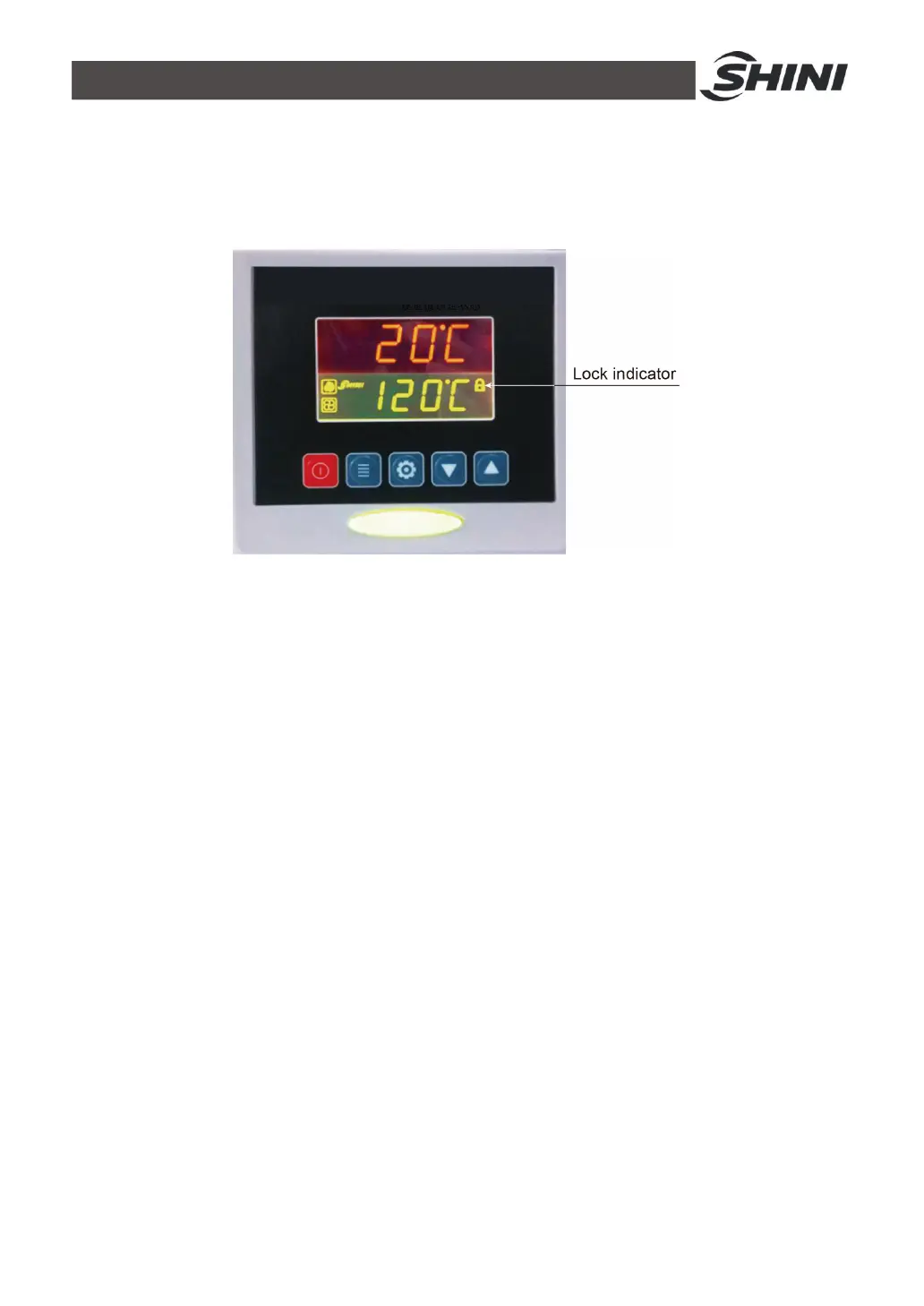
Notes: When “LOCK” is set as “YES, temperature setting value
will be locked which not accessible to change.
4.1.4 PID Setting
1) Press both “Menu” and “Down” keys for 3 seconds, it shows “P” (proportion)
setting;
2) Press “Setting” key, the set value flickers, then press “Up”or “Down” key to
add or decrease the value.
3) Press “Setting” key to confirm the input value.
4) Press “Up” key again and again, it displays “I” (integral time) and “D”
(differential time) setting accordingly.
5) Repeat above step 2 and step 3, input and confirm related parameters.
6) Press “Menu” key, it returns operation menu.
Notes: The PID parameter will directly influence the effect of
temperature control, please be careful to set the value!


 To Next Page