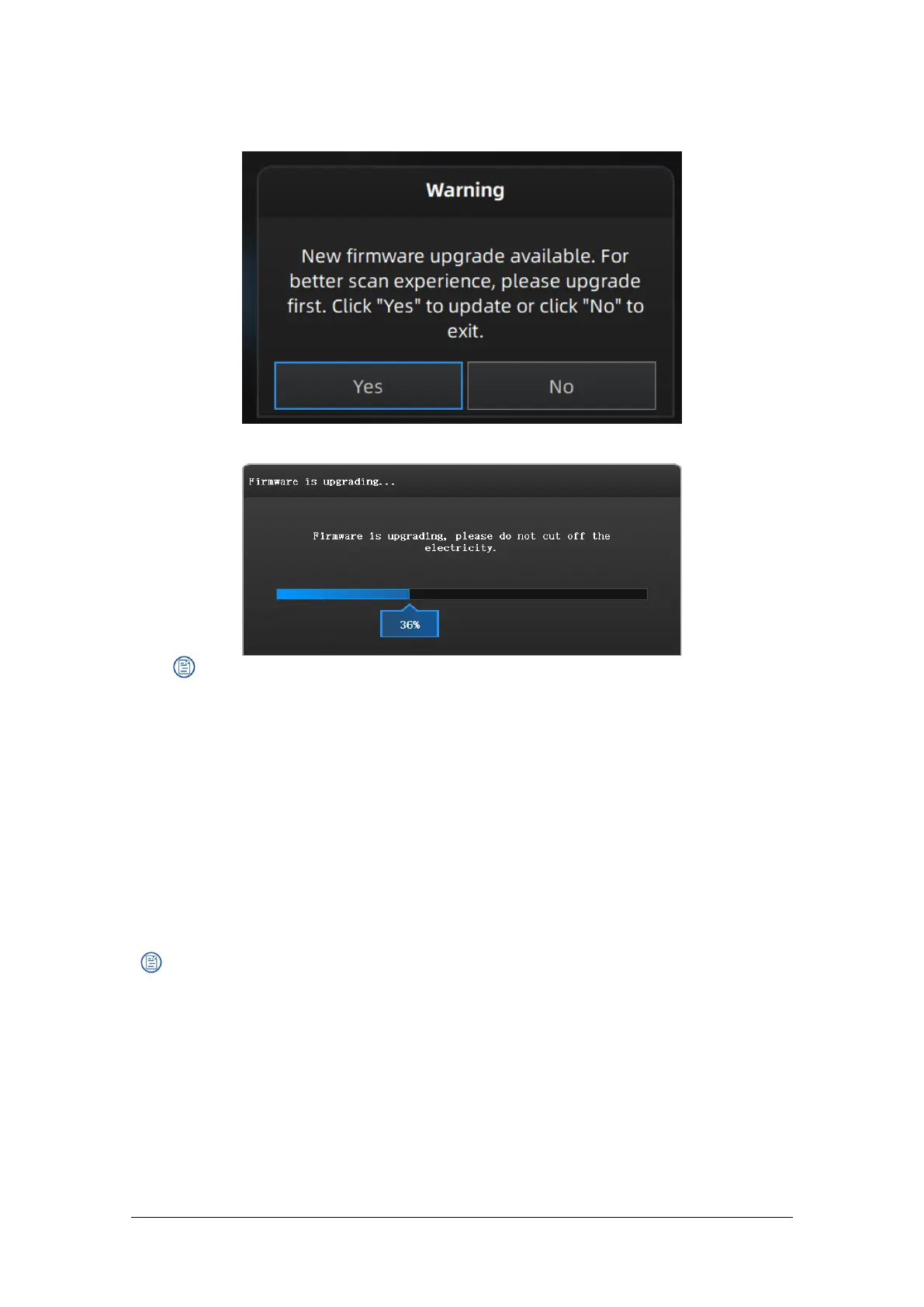
Firmware doesn’t match
Firmware upgrading
Note:
Do not disconnect the scanner, or unplug the power during the upgrade.
Recovery will start from a failed upgrade. You can restart the firmware update after
successful recovery.
If recovery fails, turn off the power of the scanner and reconnect the scanner to restart
the software for upgrading.
2.4. Update the Software
When a new version is available, a pop-up will show when you start the software to remind you
update your software to the latest version.
Note:
After clicking Download Now, the software will be downloaded (do not close the software).
Click Yes to update.



 To Next Page