1. Specification and System Requirements
1.1. System Requirements
Preparing a suitable computer will improve your scanning experience.
One important notice for PC configuration is the graphic card. It must be Nvidia card since certain
function from Nvidia is needed for scanning. GTX series card is the best for scanning while Quadro
series CAD card also works but you need a more expensive model comparing to the GTX series to get
a good scan experience.
Attention:
When running the software, do not turn on the power saving mode of the computer.
1.2. Hardware Installation
Unpack and set up your scanner before getting started with scanning.
1.2.1. Assemble Scanner
1) Open the tripod and place it on the ground. The three tripods can be extended and retracted. After
adjusting the height, lock and fix the tripod.
2) If the height is still too high or too low, loosen the lock [2] to adjust and fasten vertical slide rod to
an appropriate height.
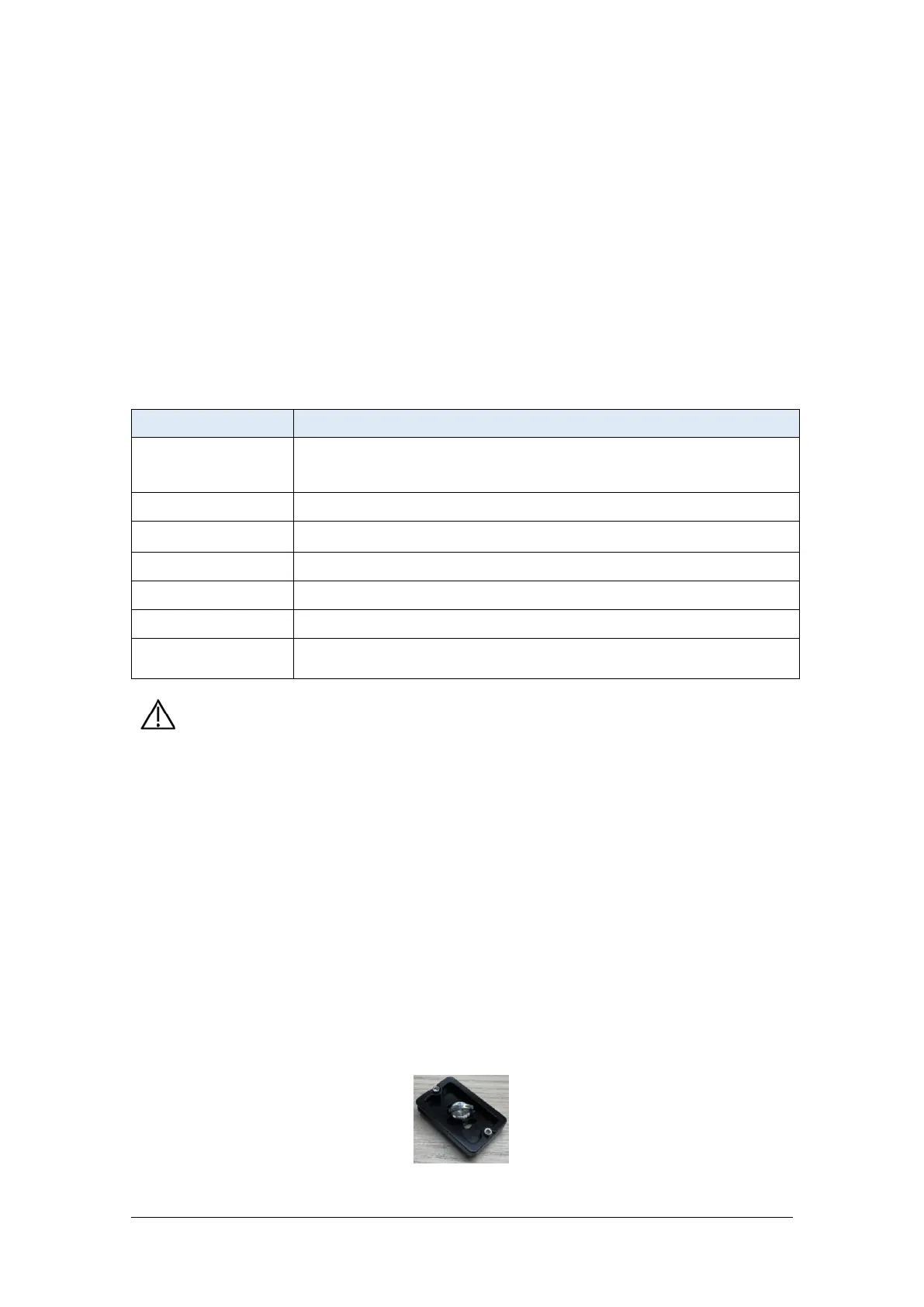
3) Unscrew the quick shoe from the top of the tripod and fix it on the bottom of the scan head.



 To Next Page