Shining 3D Transcan-C_User Manual_V1.4.2
7.4. Export Data
7.4.1. Data Formats
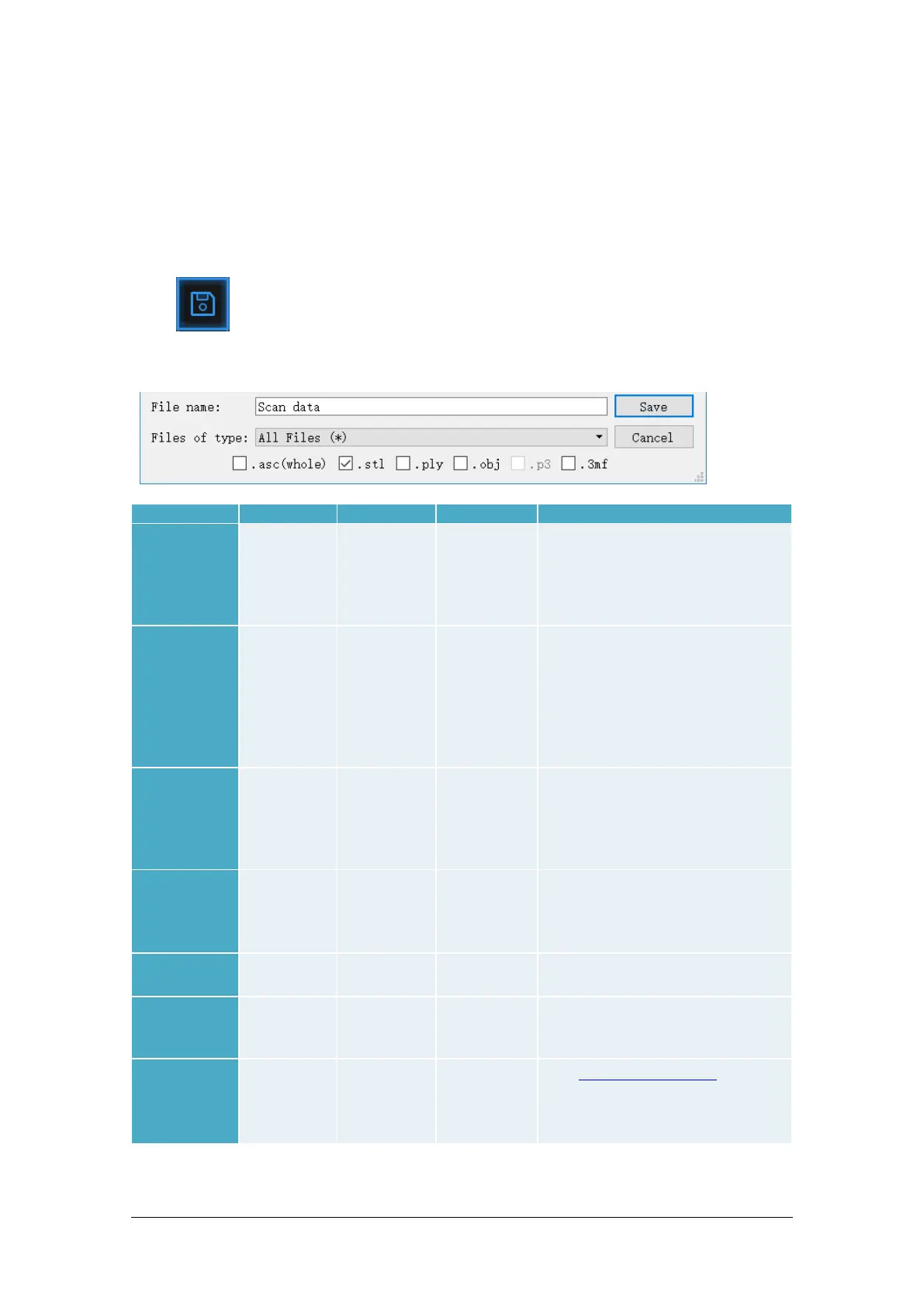
Click to export the data. Navigate to choose a save folder. And input the file name. Select
one of the formats below. By default, the saving path is the project folder, the file name is “Scan data”,
and the format is .stl.
save folder
ASC
(separated)
(scan mode
only)
Separated
point-clouds,
with
calculated
alignment
scan_0.asc
scan_1.asc
scan_2.asc
etc…
◆ Inspection
◆ Fast export (no post-processing
needed)
◆ Complex data to post process in
another software
◆ Inspection
◆ Fast export (no post-processing
needed in hand-held mode)
◆ Large data to post process in
another software
◆ Complex data to post process in
another software
◆ 3D printing (watertight mesh
data)
◆ Reverse Engineering
◆ Compatibility with most mesh
editing software
Mesh,
Texture &
Matching
file
scan.obj
scan.jpg
scan.mtl
◆ Artistic applications
◆ 3D rendering
◆ Compatibility with most mesh
editing software
◆ Low storage
◆ Easy texture editing
◆ Low storage
◆ Compatibility with Microsoft
paint3d
◆ Global Marker File in
◆ EXScan C software
◆ Measurement of the marker
position



 To Next Page