Note:
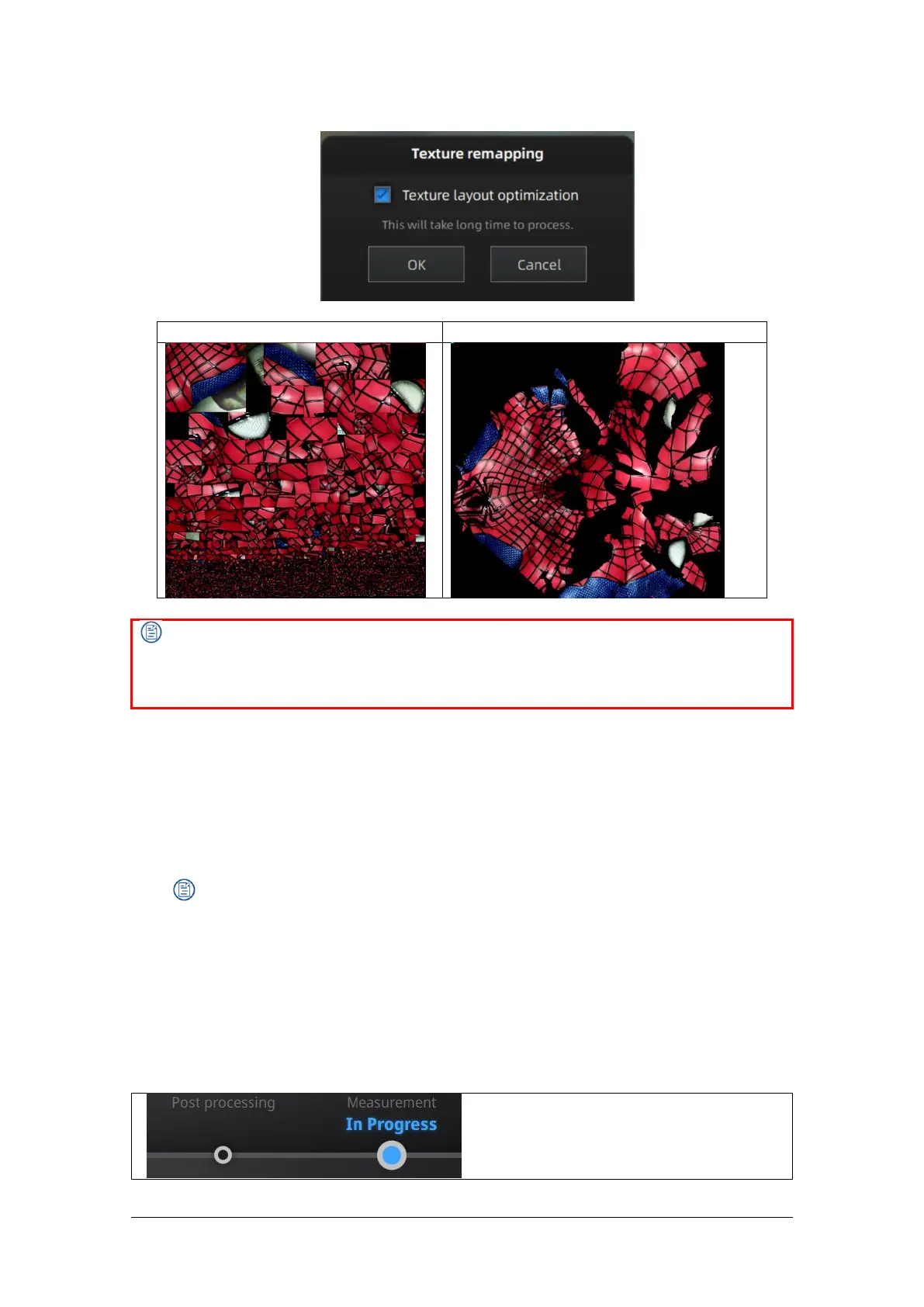
TLO requires a longer time to compute.
TLO is used only with OBJ output.
Same effect in fixed scan for single plate data whether texture expansion is optimized or not.
7.2.9. Return to Scanning Mode
To continue scanning, edit data or mesh again, you need to exit the post-processing mode and
click Scan on the navigation bar to return to the scanning mode interface, and the mesh data in the
post-processing interface will be cleared.
Note:
Mesh data in the post-processing interface will not be automatically saved.
7.3. Measurement
After meshing, the Measurement menu will be available on the top. Or click Measurement on the
navigation bar, and import data.



 To Next Page