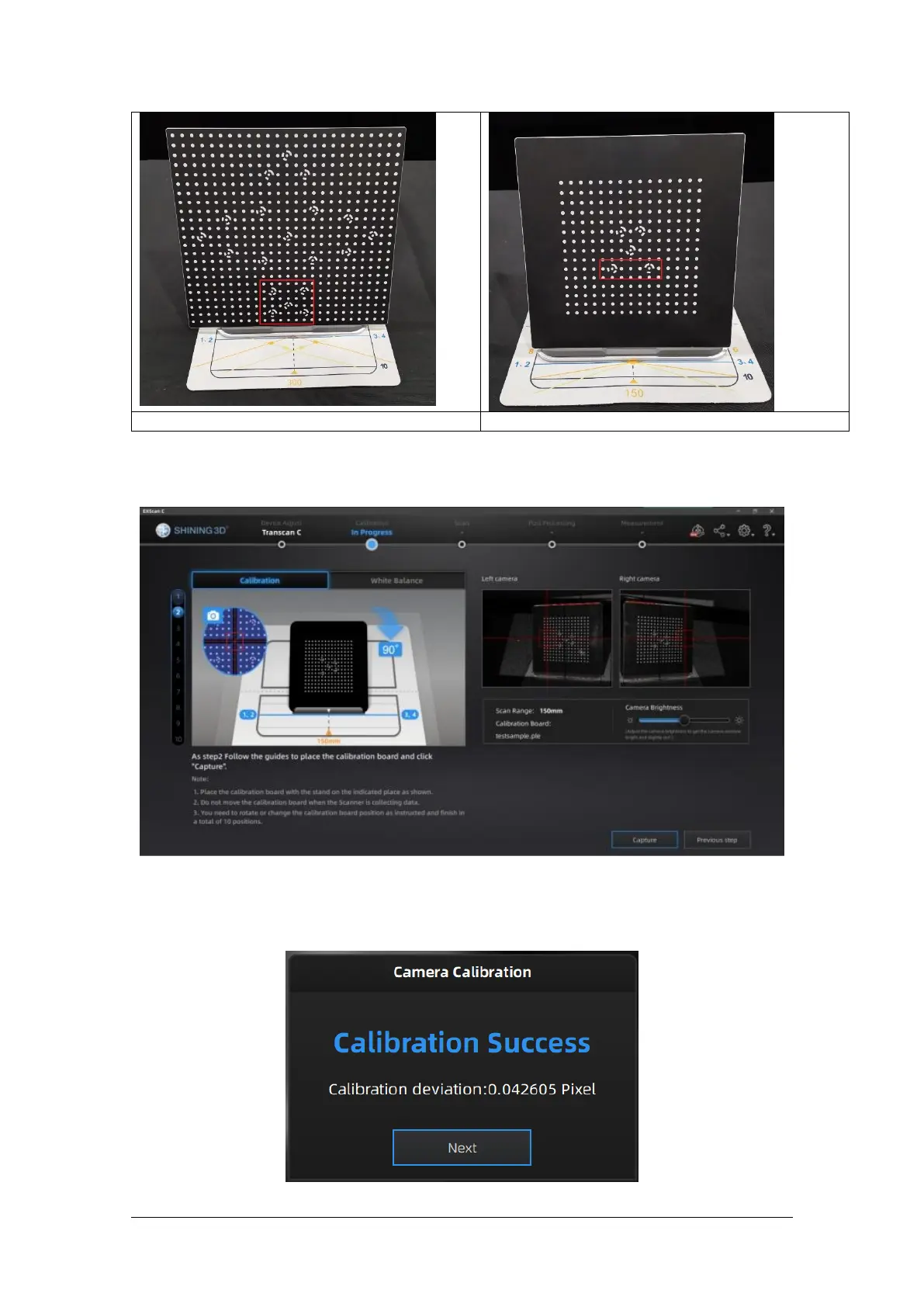
As shown in the figure below, remove the calibration board from the calibration board bracket,
rotate the calibration board 90° clockwise, and put it on the calibration board bracket.
Click Previous Step to go back to the previous step to capture again.
For Step 3 to Step 10, collect data according to the prompts.
After the acquisition is completed, carry out calibration calculation:
The camera calibration results are as follows:



 To Next Page