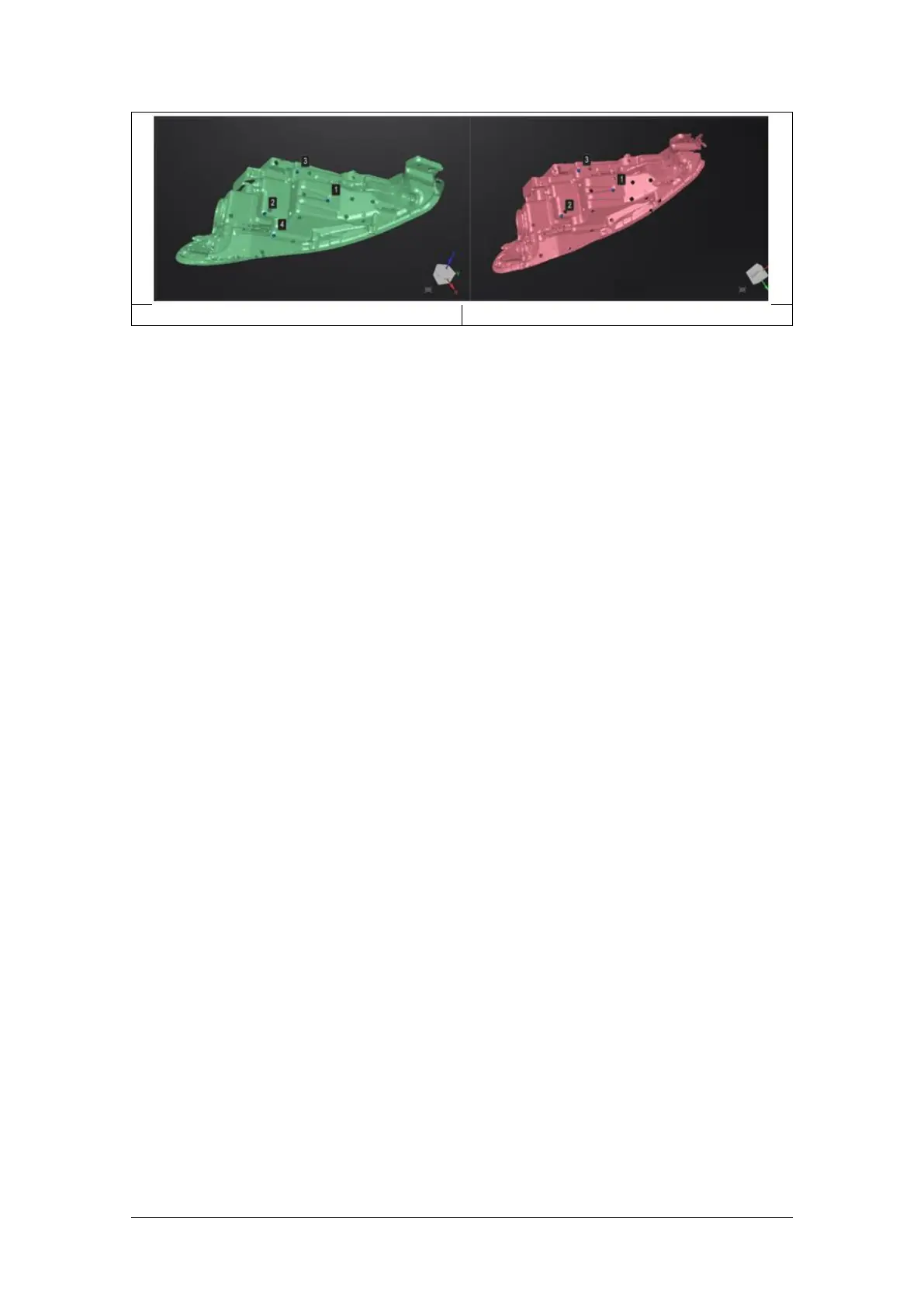
How it works: The software calculates the best fit alignment from the picked points, and refine the
alignment by best fit of all the points of the floating to the points of the fixed.
Marker Alignment
You could choose marker alignment if the projectors are with markers. There shall be at least 3
common markers in two projects, otherwise the alignment will fail. Software will align the
projects according to the positions of those markers automatically.
Click “Apply” to align.
Click “Next”, the aligned projects will merge to a group, you could continue further alignment.
Click “Cancel” to recall the alignment.
Click “Exit” to exit project alignment interface.



 To Next Page