14
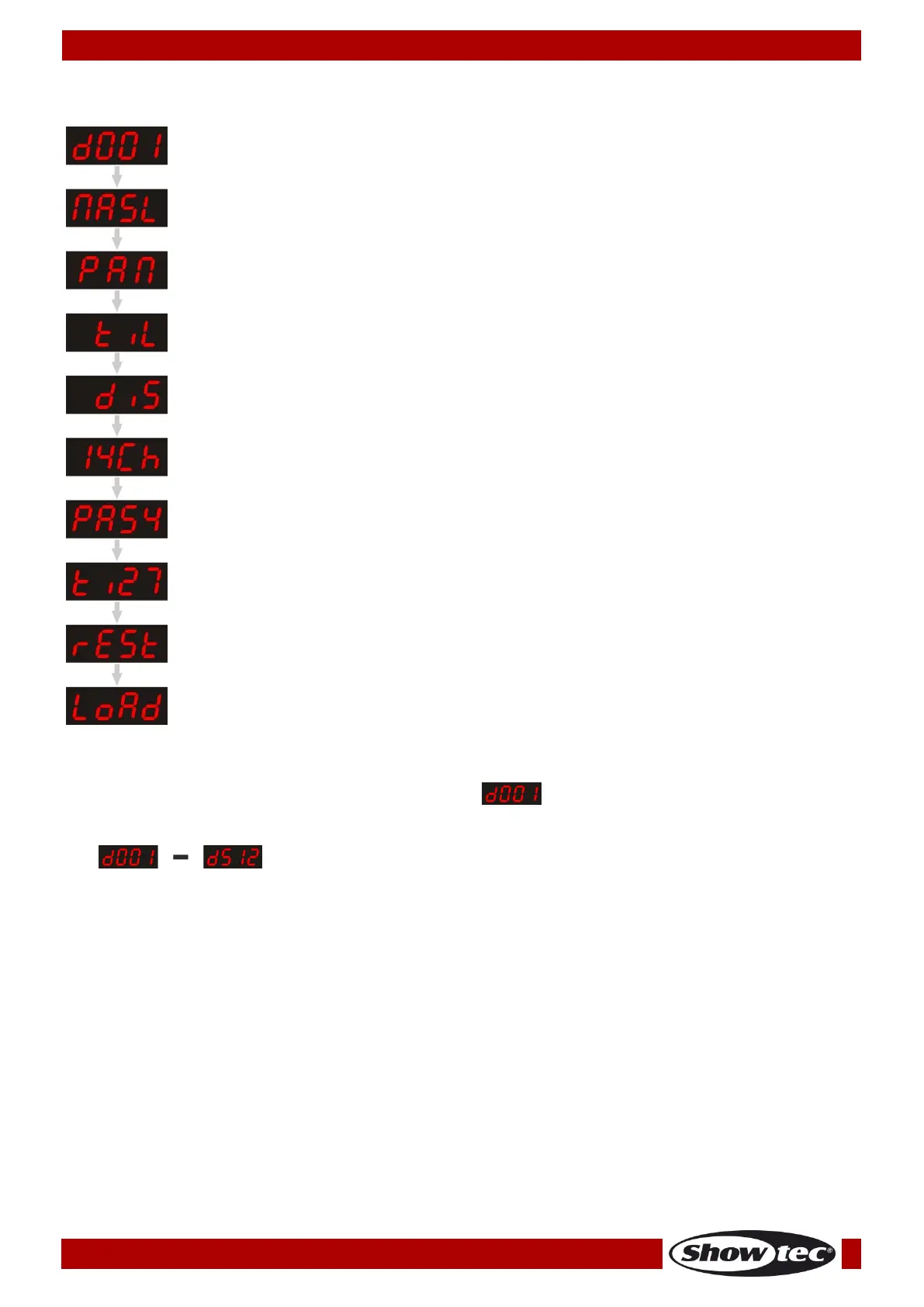
Main Menu Options
1. DMX Addressing
2. Built-in Programs (Slow/Fast/Sound-control/Slave)
3. Pan/Reverse Pan
4. Tilt/Reverse Tilt
5. Display/Reverse Display
6. DMX Modes
7. Pan Settings
8. Tilt Settings
9. Reset
10. Factory settings
1. DMX Addressing
With this menu you can set the DMX address.
01) Press the MODE/ESC button, until the display shows .
02) Press the ENTER button to confirm. Now you can choose 512 different DMX addresses.
03) Press the UP/DOWN buttons to select the required address between
.
04) Once you have set the desired DMX address, press the ENTER button to store your DMX address.











 To Next Page