8
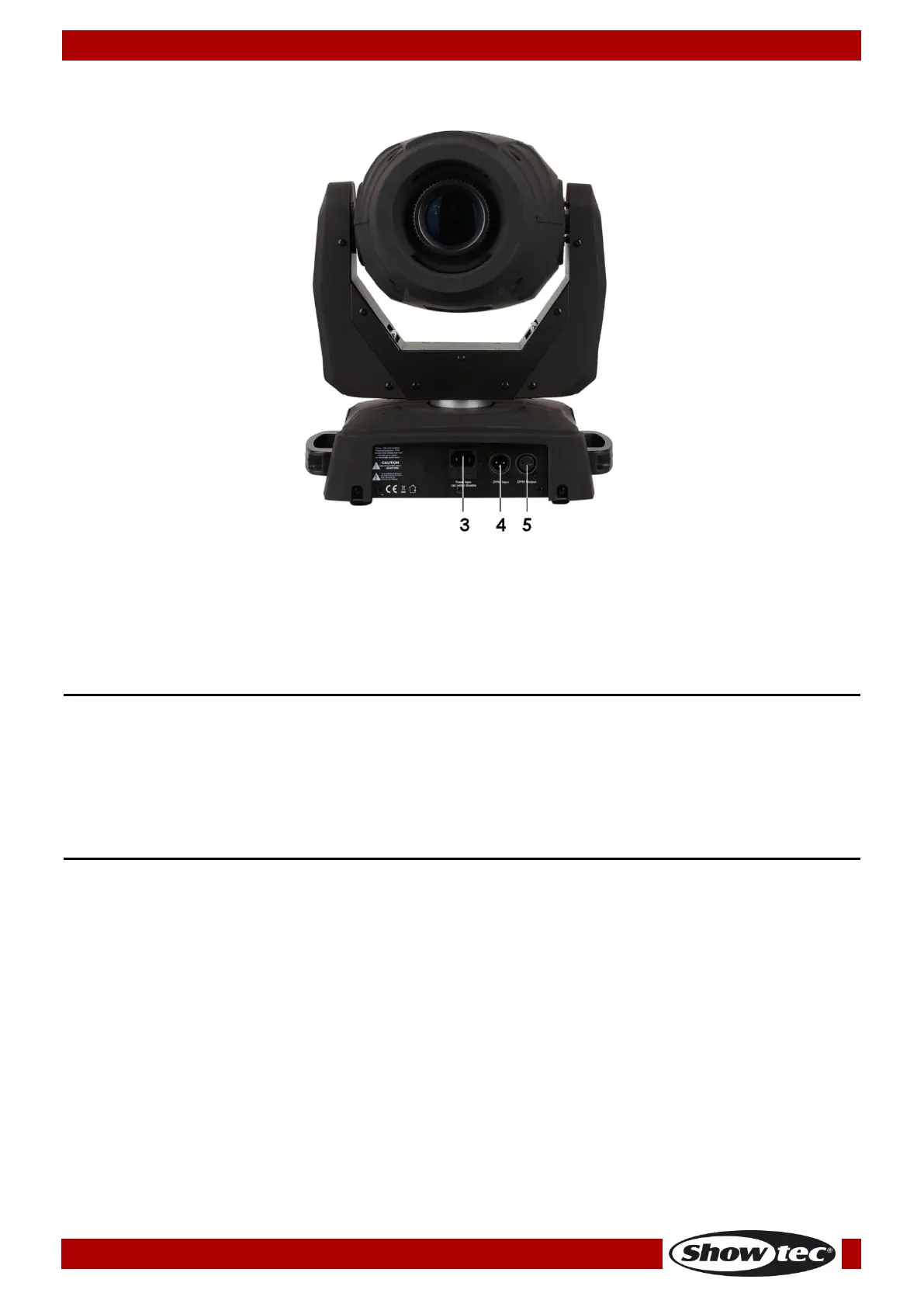
03) IEC 100-240V power connector IN + Fuse F3A/250V
04) 3-pin DMX signal connector IN
05) 3-pin DMX signal connector OUT
Installation
Remove all packing materials from the Phantom 75 LED Spot. Check if all foam and plastic padding is
removed. Connect all cables.
Do not supply power before the whole system is set up and connected properly.
Always disconnect from electric mains power supply before cleaning or servicing.
Damages caused by non-observance are not subject to warranty.
Set Up and Operation
Follow the directions below, as they pertain to your preferred operation mode.
Before plugging the unit in, always make sure that the power supply matches the product specification
voltage. Do not attempt to operate a 120V specification product on 230V power, or vice versa.
Connect the device to the main power supply.














 To Next Page