1
BLX
System Components
Note: Your system comes with a combination of the fol-
lowing components.
• BLX1 Bodypack Transmitter
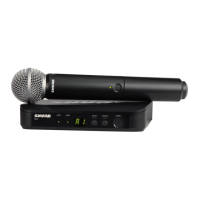
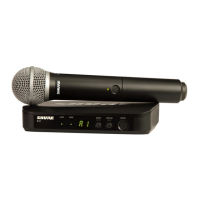
• BLX2 Handheld Transmitter (choice of SM58,
BETA58A, or PG58)
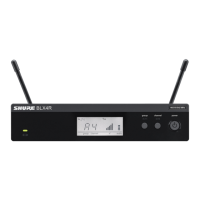
• BLX4 Wireless Receiver
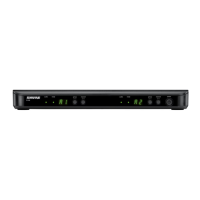
• BLX88 Dual Wireless Receiver
• PS21 Power Supply
• Lavalier microphone (choice of PG185, WL185 or
WL93)
• Headworn microphone (choice of PG30 or
WH30-TQG)
• Instrument microphone (BETA98H)
• Guitar cable (WA302)
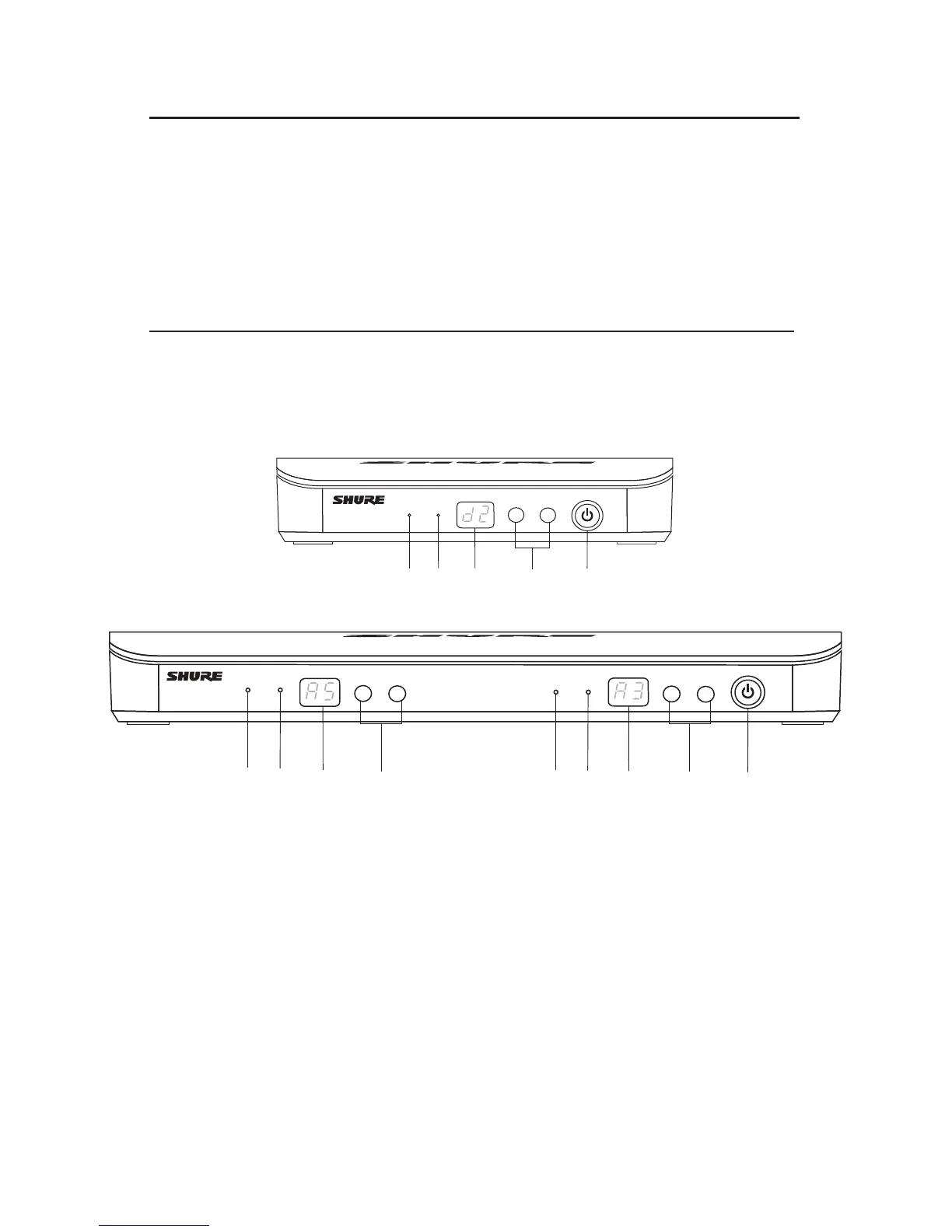
Front Panel
Features
BLX88
① audio LED
Indicates strength of incoming audio signal: green for
normal and red for overload.
② Ready LED Icon
Green light indicates system is ready for use and
receiving transmitter signal.
③ LED Display
Displays group and channel setting.
④ group and channel Buttons
Scan: Push and release group button to scan for an
open group and channel.
Manual: Push and hold group button to find an open
group. Push and release channel button to find a
channel in the current group.
⑤ power Button
Turns power on or off.
BLX4
audio
ready
group
(A-Y)
channel
(0-9)
power
BLX88
audio
ready
group
(A-Y)
channel
(0-9)
audio
ready
group
(A-Y)
channel
(0-9)
power
BLX4
⑤
① ②
③
④
①
②
③
④
⑤
①
②
③
④



 To Next Page
 Loading...