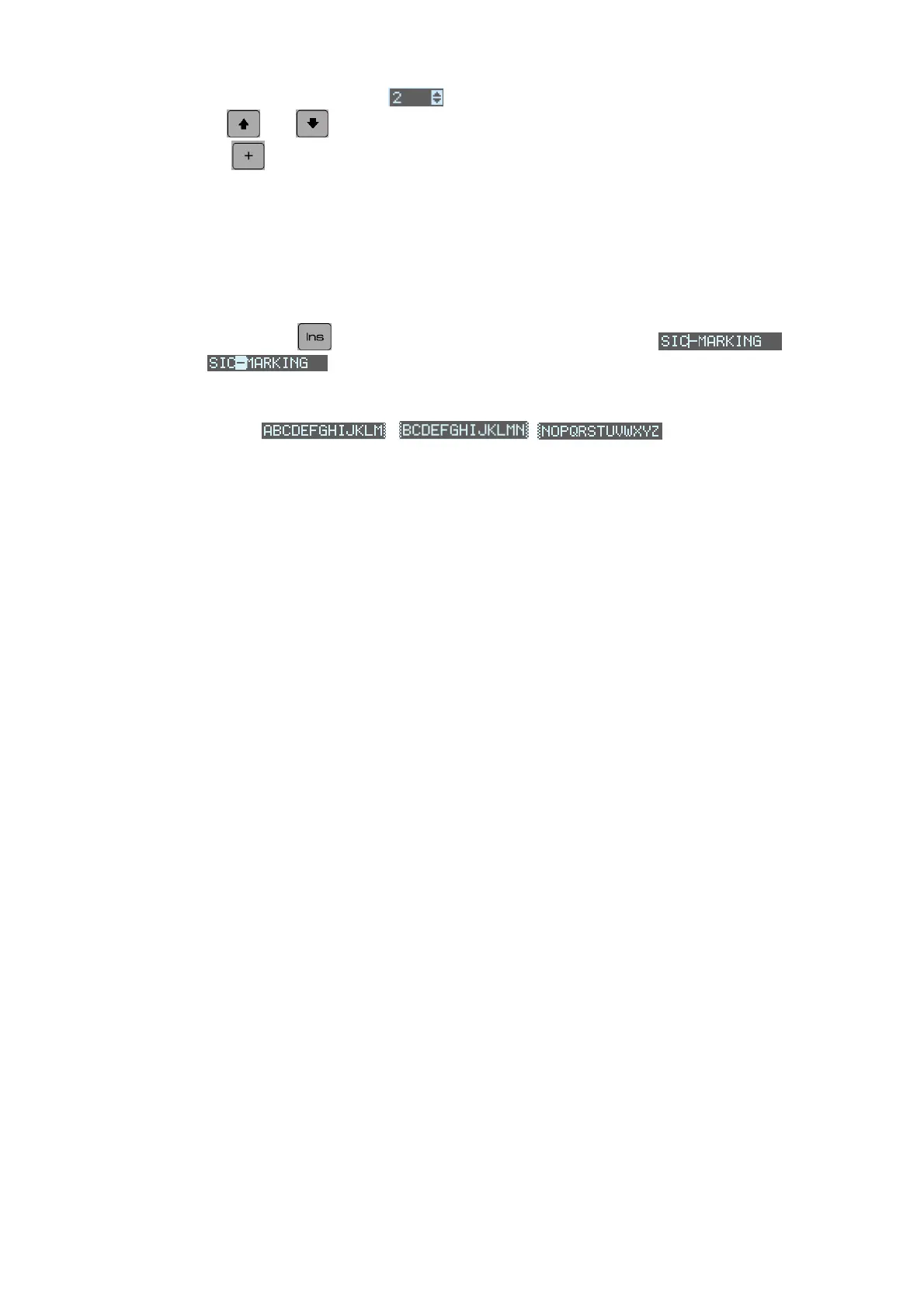
The fields followed by arrows: (as for the Speed field) are list type fields:
- the and
arrows enable you to scroll through this list
- the key enables you to show the contents of the list:
- another key starts a search from the first letter of the list
- Data entry using insert mode
By pressing on the
key the cursor moves from being a hyphen to a
square
this means that you have moved form insert mode to over-write
mode.
Those fields that are longer than the screen display are displayed as follows:
NOTE7V1EC7P62P122US-R01.doc 11/46


 To Next Page