V - ADVANCED FUNCTIONS
Using the adjustment function
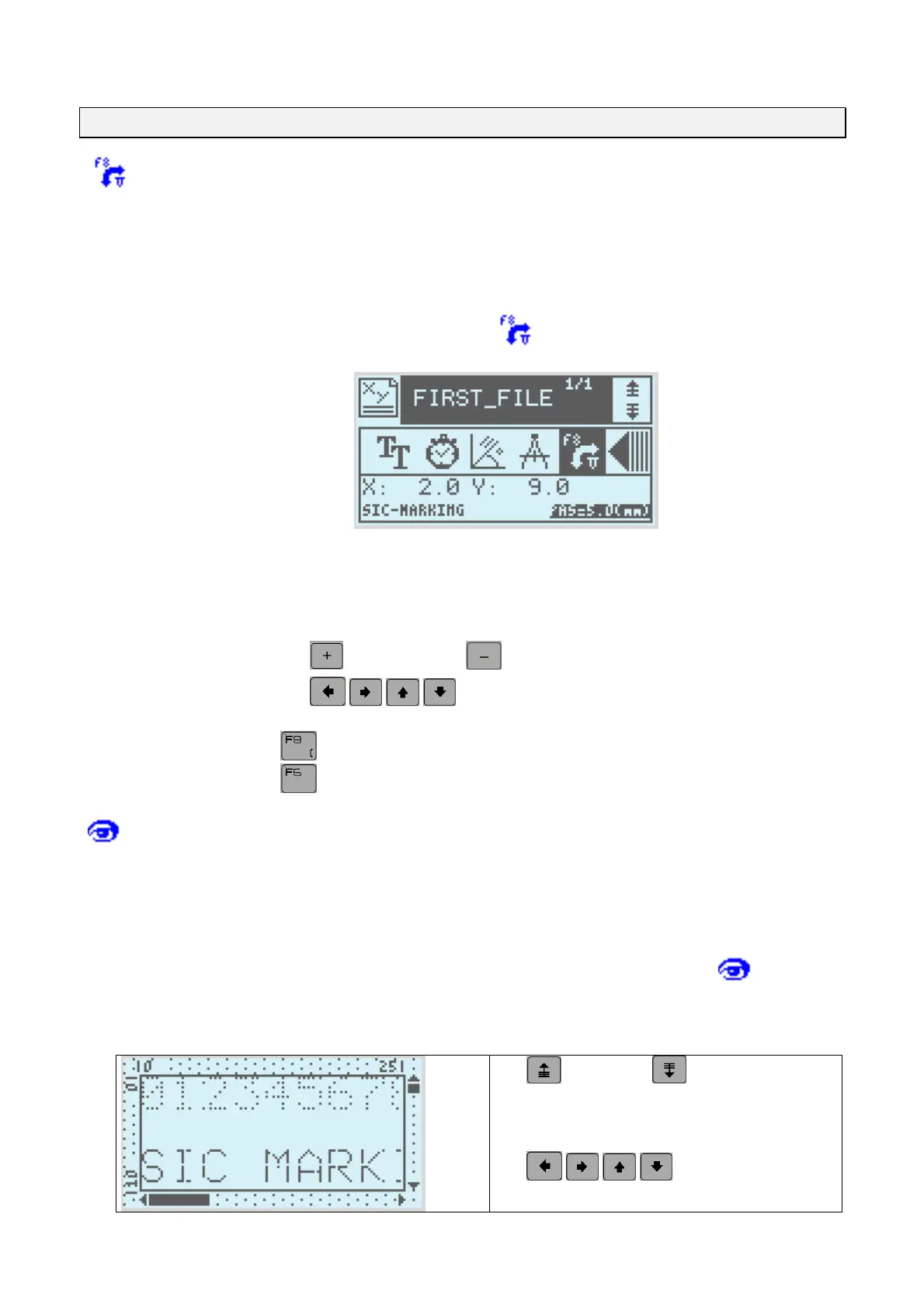
To help the operator in adjusting the marking files, the ADJUSTMENT function allows
you to position the marking head with the marking co-ordinates.
This function is available from write mode or by using F8
The screen is then as follows
Setting the X, Y co-ordinates by adjusting the marking head
use the
(+) and arrows
(-) keys to set the adjustment.
use the
keys to move the stylet one step in the
corresponding direction
the key allows you to simulate marking.
the keys allows you to draw the marking outline.
Using the graphic view
The graphic view function enables the operator to pre-view the marking on the
machine's screen.
This function can be accessed from write mode, from F7 or form the tab
from
marking mode.
The screen is then as follows
the
and arrows allow you to
regulate the zoom.
the keys allow you to
move the window
NOTE7V1EC7P62P122US-R01.doc 18/46


 To Next Page