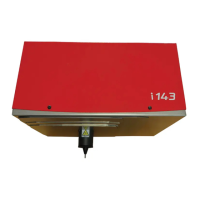
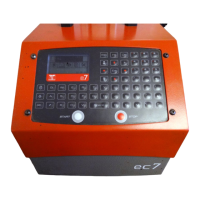
b) Regulating the stylet / part distance
The quality of the marking depends in large measure on the part to be marked (materials,
state of the surface, hardness etc.).
A smooth, flat surface will be much easier to mark than a granulated irregular surface.
Usually it will be necessary to adapt the force used in the marking to the height of the
characters. The smaller the letters the less impact there will need to be to make them
legible. It is also possible to select more or less close marking with the help of the software
matrix.
Good quality marking can be obtained by adjusting the impact of the marking and the
stylet / part distance. If using a marking gun the stylet / part distance can regulated by
adjusting the position of the supporting surface
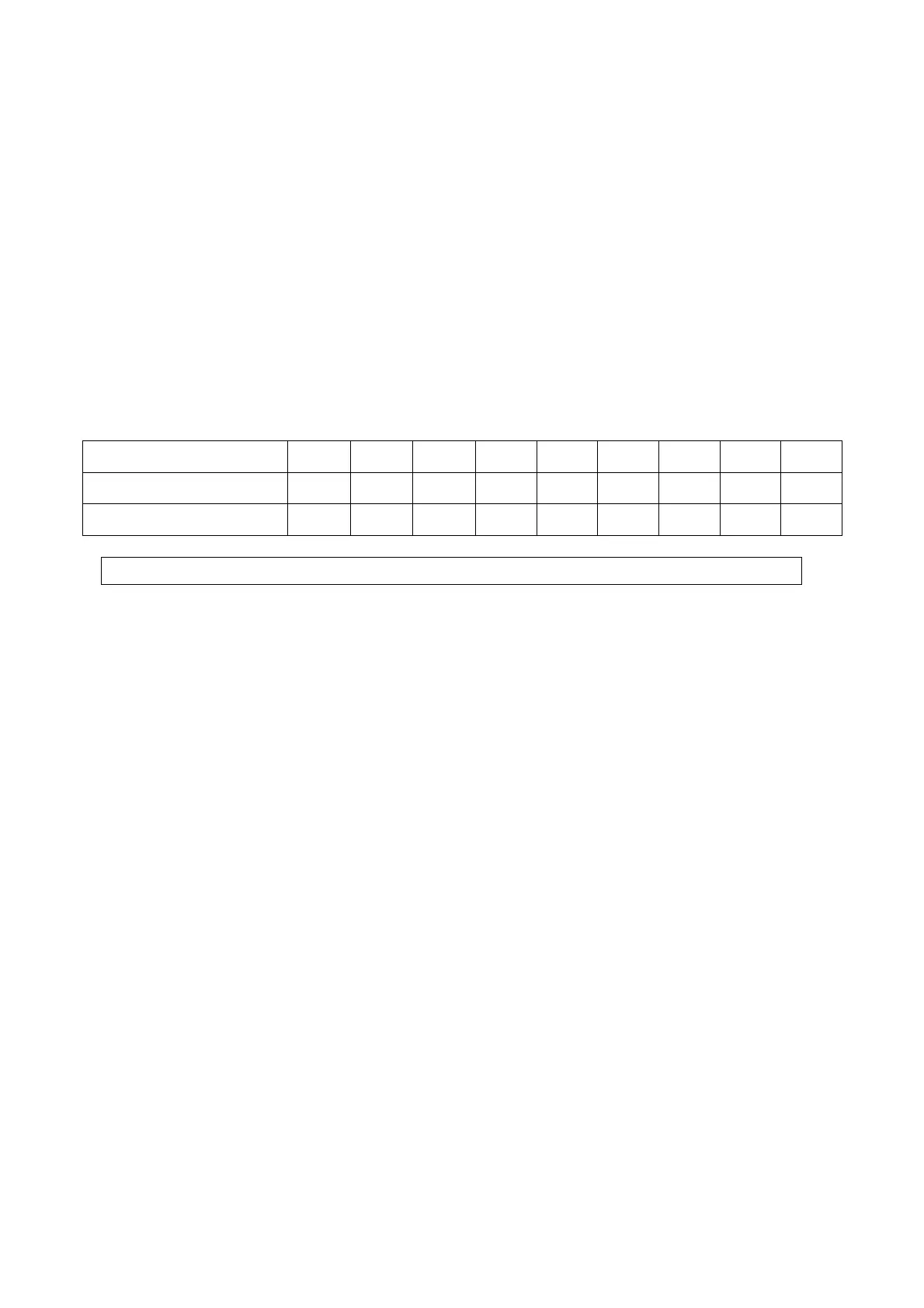
As a guide below are the recommended distances between the stylet and the part taking
into account the marking impact chosen.
Impact 1 2 3 4 5 6 7 8 9
Minimum distance 0.5 0.5 0.5 1 1 2 3 5 6
Maximum distance 1 2 3 5 6 7 9 9 9
Maximum distance stylet / part 9 mm
It would be wise therefore, to undertake preliminary tests on any new parts.
c) Starting / stopping marking
o set the monitor to marking (for more information see the software manual)
o put the part to be marked into position
o start the marking by pressing on the 'start' button or on the 'on/off' button on the handle
of the gun (portable machine)
o to stop the marking, press on the 'stop' button or for more than two seconds on the
'on/off' button of the gun.
NOTE7V1EC7P62P122US-R01.doc 9/46


 To Next Page