III - STARTING UP
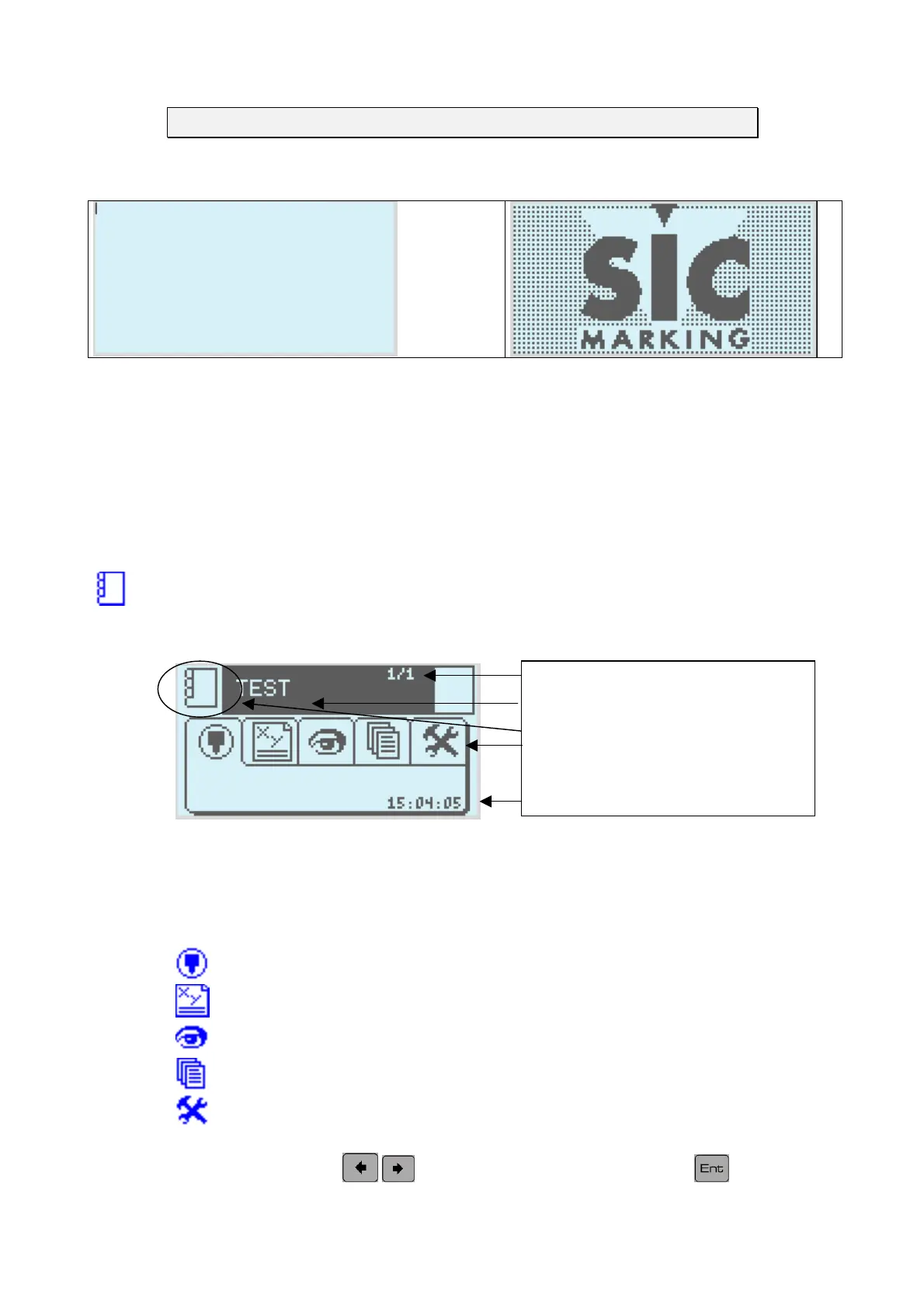
The opening screen
1-0-0
(2004-01-26)
V1-0-0 : Programme version number,
(2004 –01-26) : programme creation date (Year, Month, Day)
After initialisation the monitor moves into marking mode.
Marking Mode
a) Description of the screen
umber of lines in the file
ame of the active file
Mode in use indicator
Selector tab
Time
b) Tab functions
The main screen is the software's point of entry.
Marking mode.
Write mode of the marking file.
Graphic representation of the marking file
File management.
Configuring the machine.
Tab selection: use the
keys to select a tab then press on the key to see the
menu.
NOTE7V1EC7P62P122US-R01.doc 12/46


 To Next Page