Using the variable fields
When one part of the text to be marked regularly needs modifications, such as increments
using a counter or date stamping, it is advisable to use the variable functions rather than
completely re-enter the data every time (and thereby increase the possibility of errors at each
change)
There are two function types; time variables and increments.
The increments are attached to a single file
The time variables are common to all files.
a) The time variables and special characters
•introduction
The time variables are:
code
The current year; 3 formats are available
4 numbers eg. 2004
#Y4
2 figures eg 04
#Y2
1 figure eg 4
#Y1
The current month; 1 format is available
2 figures eg 12 for December
#M
The week in progress , One format available
#W
The current day; 3 formats are available
#D3
A part of the year (from 1 to 366)
#D2
The day of the month using 2 figures (from 1 to 31)
#D1
The day of the week (0=Sunday, 6=Saturday)
Time 2 formats are available
#h
The hours using 2 figures
#m
Minutes using 2 figures
Configuration of times
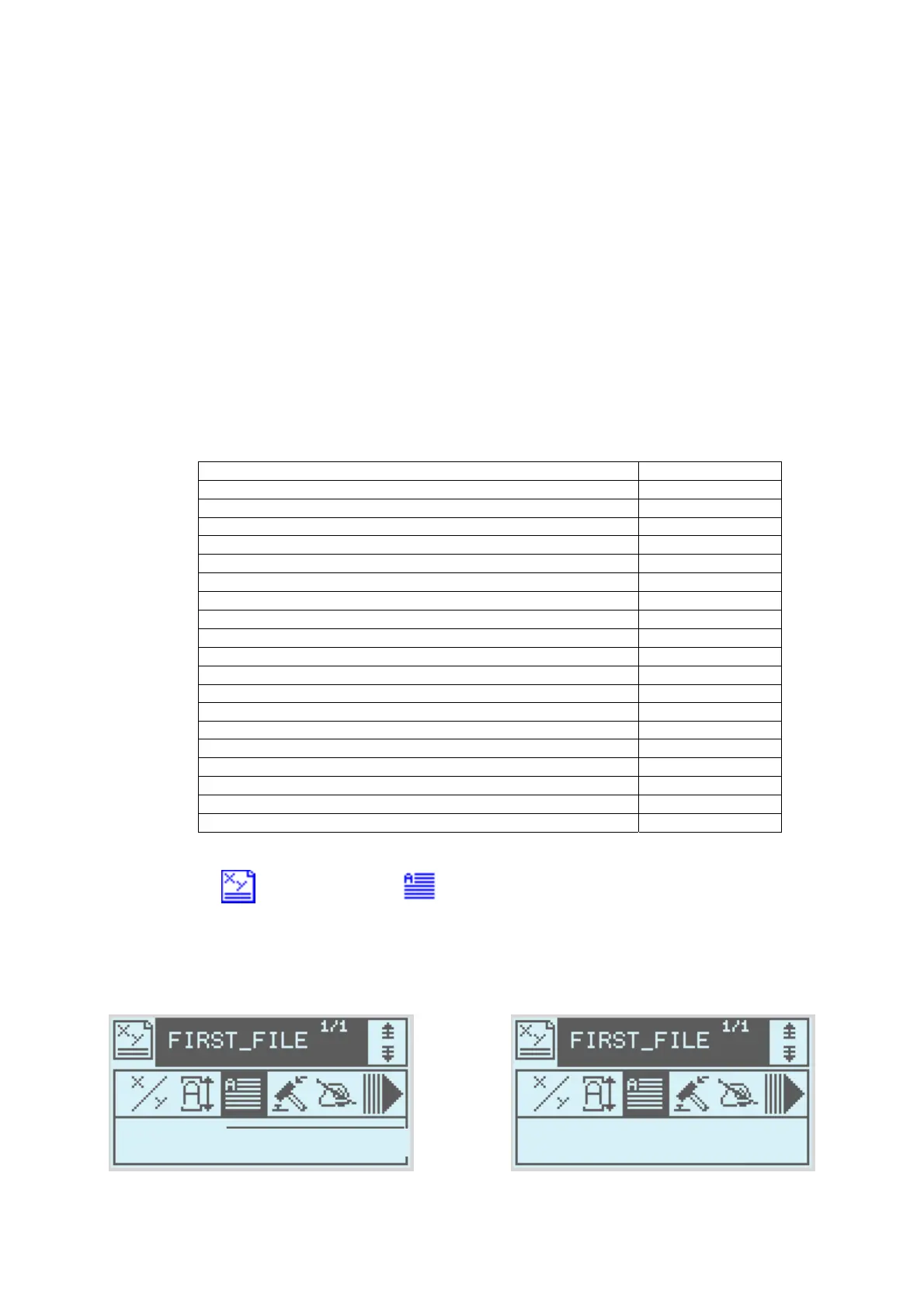
From write mode select the text icon
Instead of entering text from the keyboard press Alt-H
Then select the variable timing format from the list.
After validation
Text : #Y4
Y4
AR. H.
NOTE7V1EC7P62P122US-R01.doc 20/46


 To Previous Page