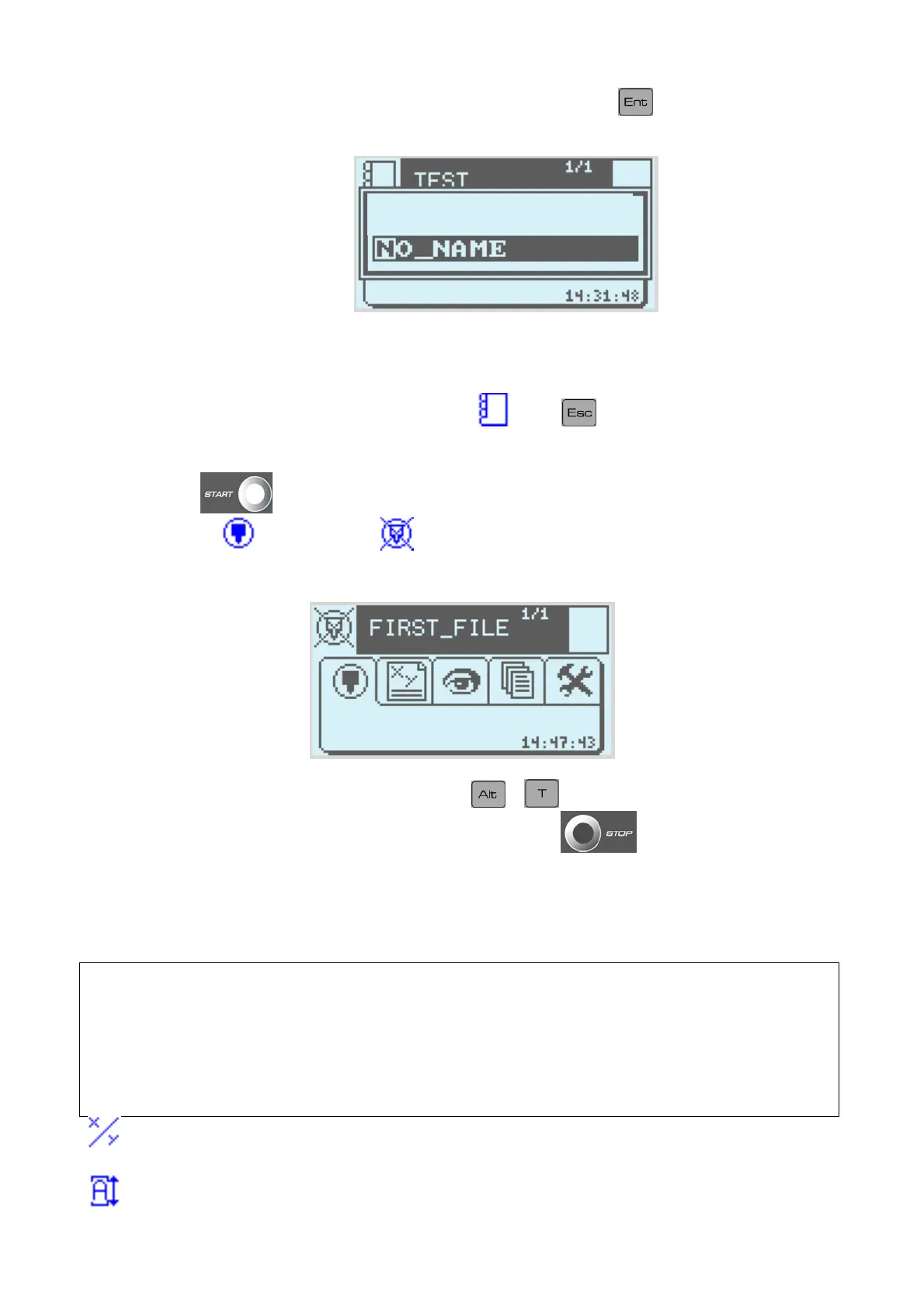
Name it, for instance, FIRST FILE then validate it using .
Save as
e) Marking
To leave write mode and enter marking mode , press .
- One press on
will start the marking
- Opening the tab
then clicking on
allows you can simulate the marking cycle (moves the
marking head but there is no power to the stylet)
At the end of the marking cycle (or the simulation)
+ will give you the marking time.
It is possible to interrupt the marking underway by pressing on
.
Settings in write mode.
Function keys in write mode
F2………..Delete line in progress.
F3………..Load a file.
F5………..Insert Line.
F7………..Graphic View.
F8………..Adjustment.
F9……….New marking file.
The X and Y fields represent the marking coordinates (Y is aligned on the base of the
characters)
The L and H fields represent the width and height of the characters.
NOTE7V1EC7P62P122US-R01.doc 14/46


 To Next Page