SR882 operation manual
~ 18 ~
3. Controller functions and parameters setup ( User grade)
3.1Set time/week/day/month/year
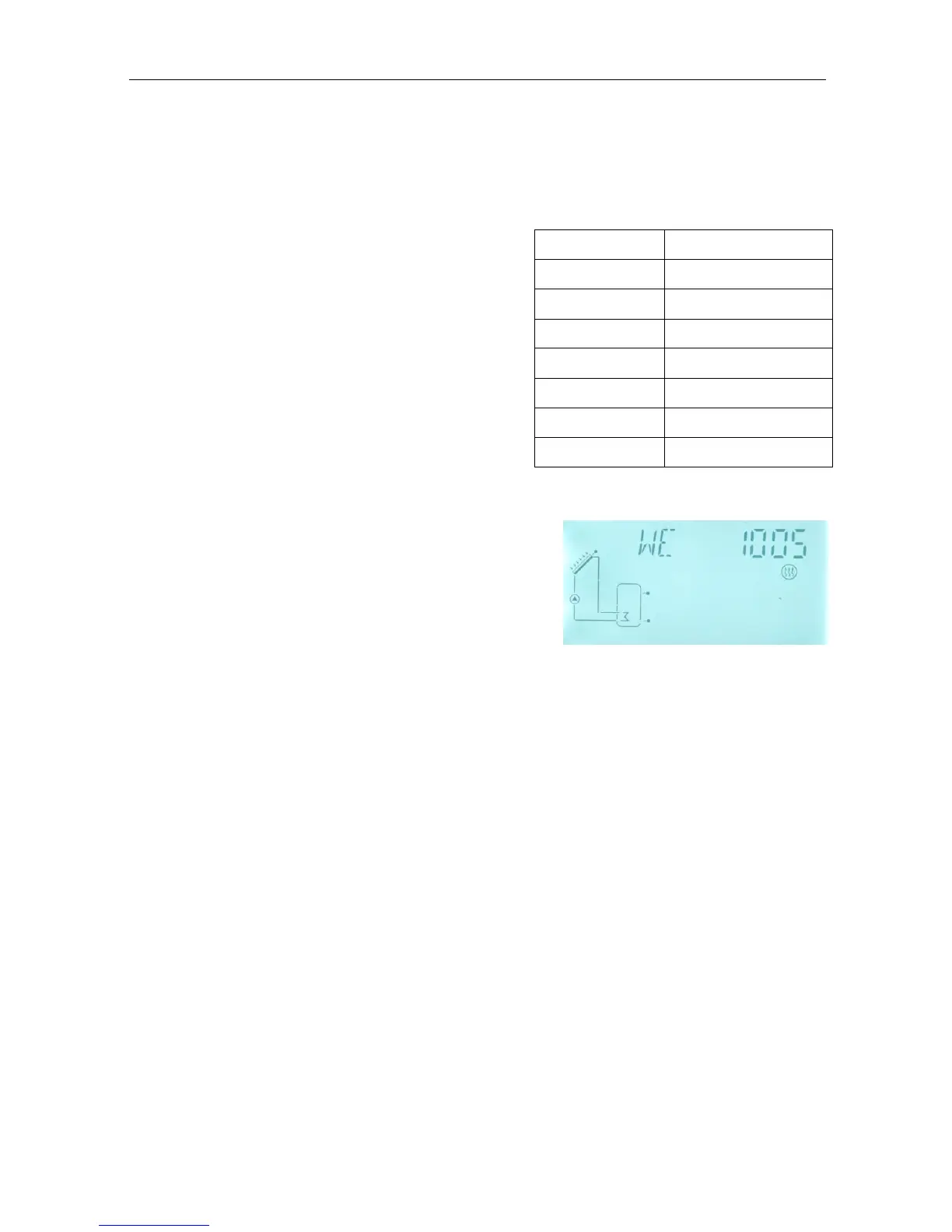
►Press “SET” button, “TIME” displays on the screen.
►Press “SET” button, hour area “00” blinks on the
screen.
►Press “+、-” button, to adjust hour
►Press “SET” button, minute area “00” blinks on
the screen.
►Press “+、-” button, to adjust minute
►Press “SET” button, week area “MO” blinks on
the screen.
►Press “+、-” button, to adjust week
►Press “SET” button, “day/month/year” area “year”
blinks on the screen.
►Press “+、-” button, to adjust year
►Press “SET” button, “day/month/year” area “month”
blinks on the screen.
►Press “+、-” button, to adjust month
►Press “SET” button, “day/month/year” area “day” blinks on the screen.
►Press “+、-” button, to adjust day
►Press “ESC” button, to exit program or wait for 20 second to exit automatically.
3.2 tHET Timing heating
Description:
Electrical heater, gas boiler or oil boiler can be integrated into solar system used as back-up
of system, and they can be triggered automatically at preset schedule by preset
temperature. Within a preset schedule, when the temperature (T3) of top part of tank
drops below the preset switching-on temperature of this function, back-up heating starts to
work, when T3 rises up to the preset turning off temperature, back-up heating is stopped.
Within 24 hours, three time sections can be set with this controller.
Factory set:
The first schedule: back-up heating function starts at 4:00 and ends at 5:00 am. Within
this time section, switch-on temperature is 40
o
C; switch-off temperature is 45
o
C.


 To Next Page