SR882 operation manual
~ 36 ~
►Press“SET”button, “01”blinks
►Press “+”“-”button, to adjust flow counter type, adjustable range (01、02)
► Press “ESC” button to exit the menu or wait for 20 seconds to exit automatically,
parameters are saved automatically.
4.5.2 FMAX Flow rate
FAMX: Flow rate L/min. adjustable range: (0.1~20) L/min, increase rate 0.1L per button
press, factory set is 2.0L/min
Setup steps:
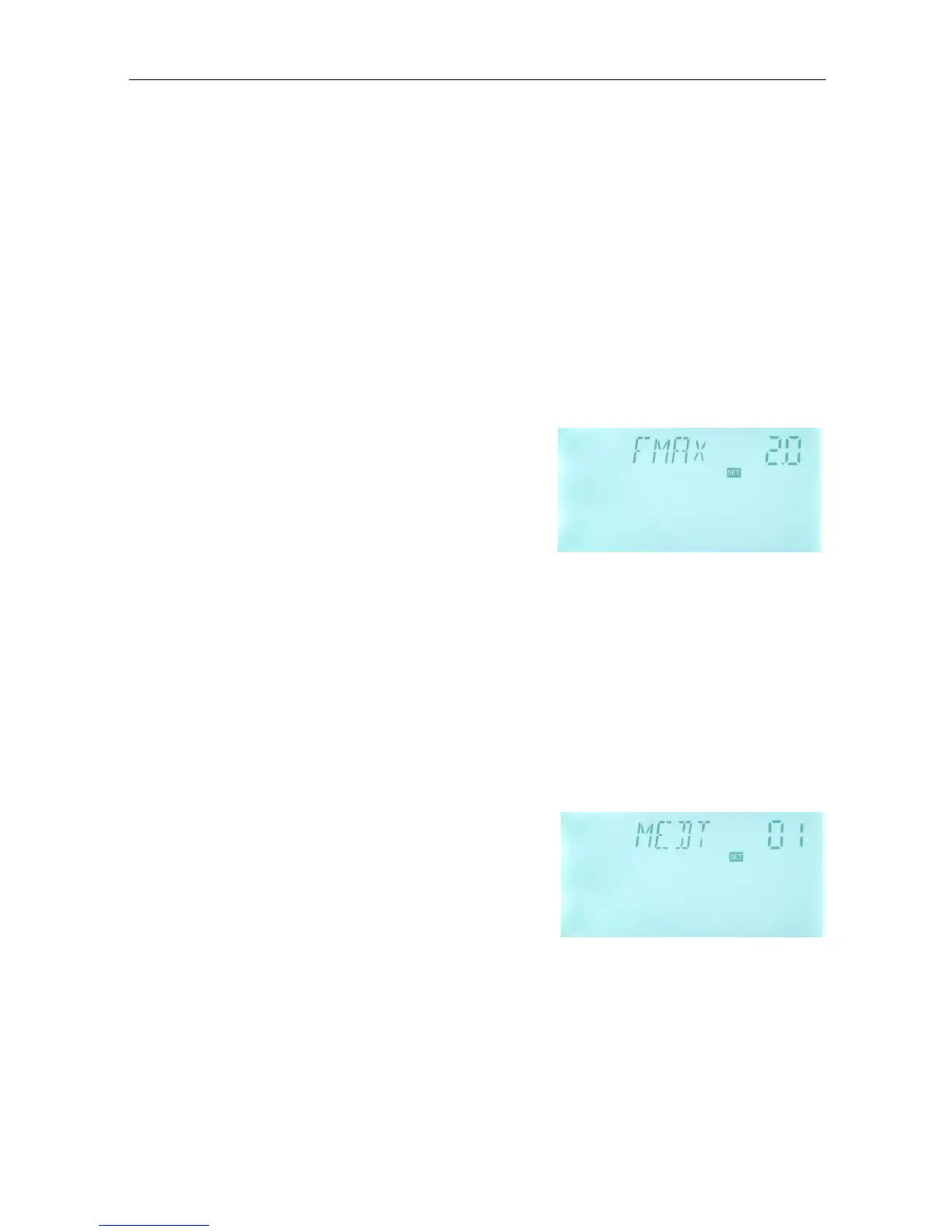
To select submenu FMAX, “FMAX 2.0” displays on the
screen.
►Press “SET”button, parameter “2.0” blinks on the
screen
►Press “+”“-”button to adjust parameter of flow
rate. adjustable range(0.1~20)
► Press “ESC” button to exit the menu or wait for 20 seconds to exit automatically,
parameters are saved automatically.
Note: when select digital flow-counter, and then there is no this function.
4.5.3 MEDT Type of heat transfer liquid
MEDT: type of heat transfer liquid, adjustable range (00~03), factory set :01
Type of heat transfer liquid:
00:Water
01:Propylene glycol
02:Glycol
03:Tyfocor LS/G-LS
Setup steps:
To select submenu MEDT, “MEDT 01” displays on screen.
►Press “SET”button, parameter “01” blinks on the screen
►Press “+” “-” button, to select type of heat transfer liquid, adjustable range (00~03)
► Press “ESC” button to exit the menu or wait for 20 seconds to exit automatically,


 To Next Page