SR882 operation manual
~ 21 ~
►Repress “SET” button, “00” of minute time blinks on screen
►Press “+”“-” button to set minute of time
►Repress “SET” button, temperature “55℃” blinks on screen
►Press “+”“-” button, to set switch-off temperature of heating
►Press “ESC” to exit this set program, parameters are saved automatically
------------------------------------------------------------------------------------------------------------------
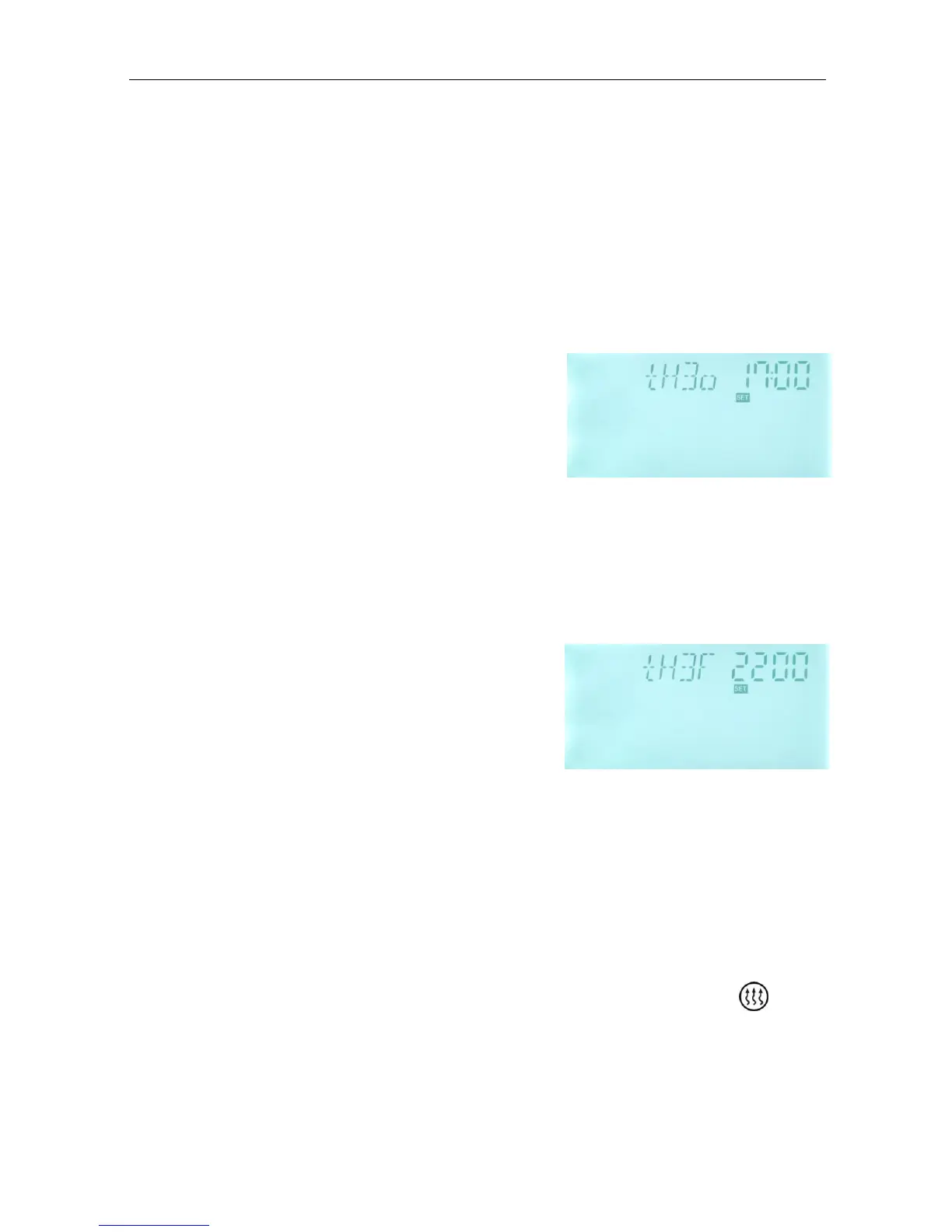
►Press “+” button, “tH 3o 17:00” displays on screen, the switch-on time and temperature for
the third schedule of heating function can be set.
►Press “SET” button, “17” of hour time blinks on
screen.
►Press “+”“-” button to adjust hour of time
►Repress “SET” button, “00” of minute time blinks on
screen
►Press “+”“-” button to set minute of time
►Repress “SET” button, temperature “50℃” blinks on screen
►Press “+”“-” button, to set switch-on temperature of heating
►Then, Press “ESC” to exit this set
►Press “+” button, “tH 3F 22:00” displays on screen, the switch-on time and temperature
for the second schedule of heating function can be set.
►Press “SET” button, “22” of hour time blinks on
screen.
►Press “+”“-” button to adjust hour of time
►Repress “SET” button, “00” of minute time blinks on
screen
►Press “+”“-” button to set minute of time
►Repress “SET” button, temperature “55℃” blinks on screen
►Press “+”“-” button, to set switch-off temperature of heating
►Press “ESC” to exit this set program, parameters are saved automatically
---------------------------------------------------------------------------------
Note: when no gas or oil boiler is connected to solar system, electrical heater can be
installed as back-up device, when electrical heater is in operation status, signal blinks
on screen, and LED light is on.


 To Next Page