52
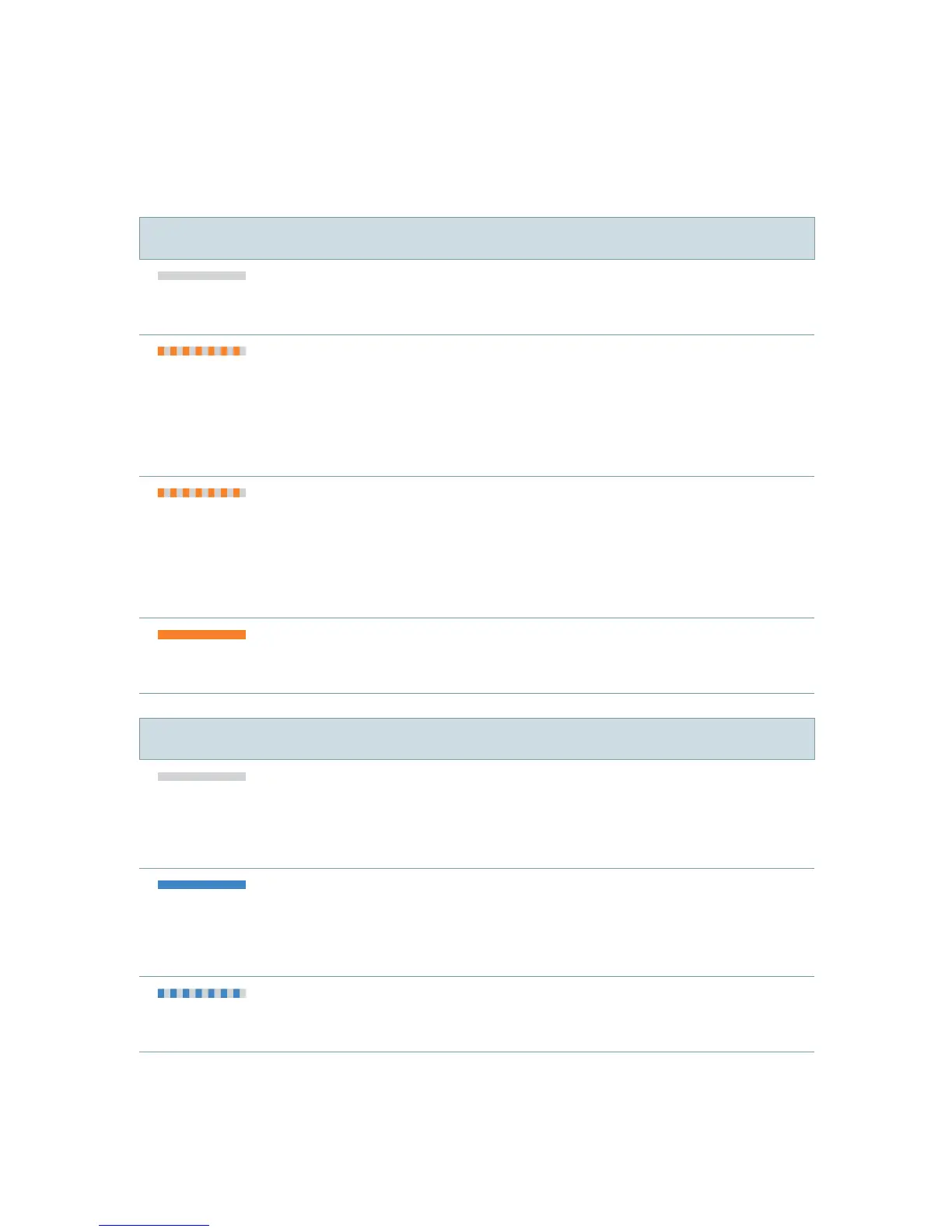
LED status indication
Orange LED
Orange LED off
➧
Battery is sufficiently charged.
Flashing fast for 5 seconds...
...when a button is pressed:
➧
Battery is low.
... after turning on:
➧
Battery is too low to turn
on easyTek.
Flashing fast for 1 second
➧
An error has occurred.
Examples: Hearing instruments are not in
operating distance or the neckloop is open.
Steady orange light
➧
Charging.
Blue LED
Blue LED off
➧
No audio streaming and no phone call
is active.
Steady blue light
➧
Audio streaming is active.
➧
Phone call is active.
Flashing fast
➧
Incoming phone call



 To Next Page