22 | 62
EcoView Energy Management System
8.
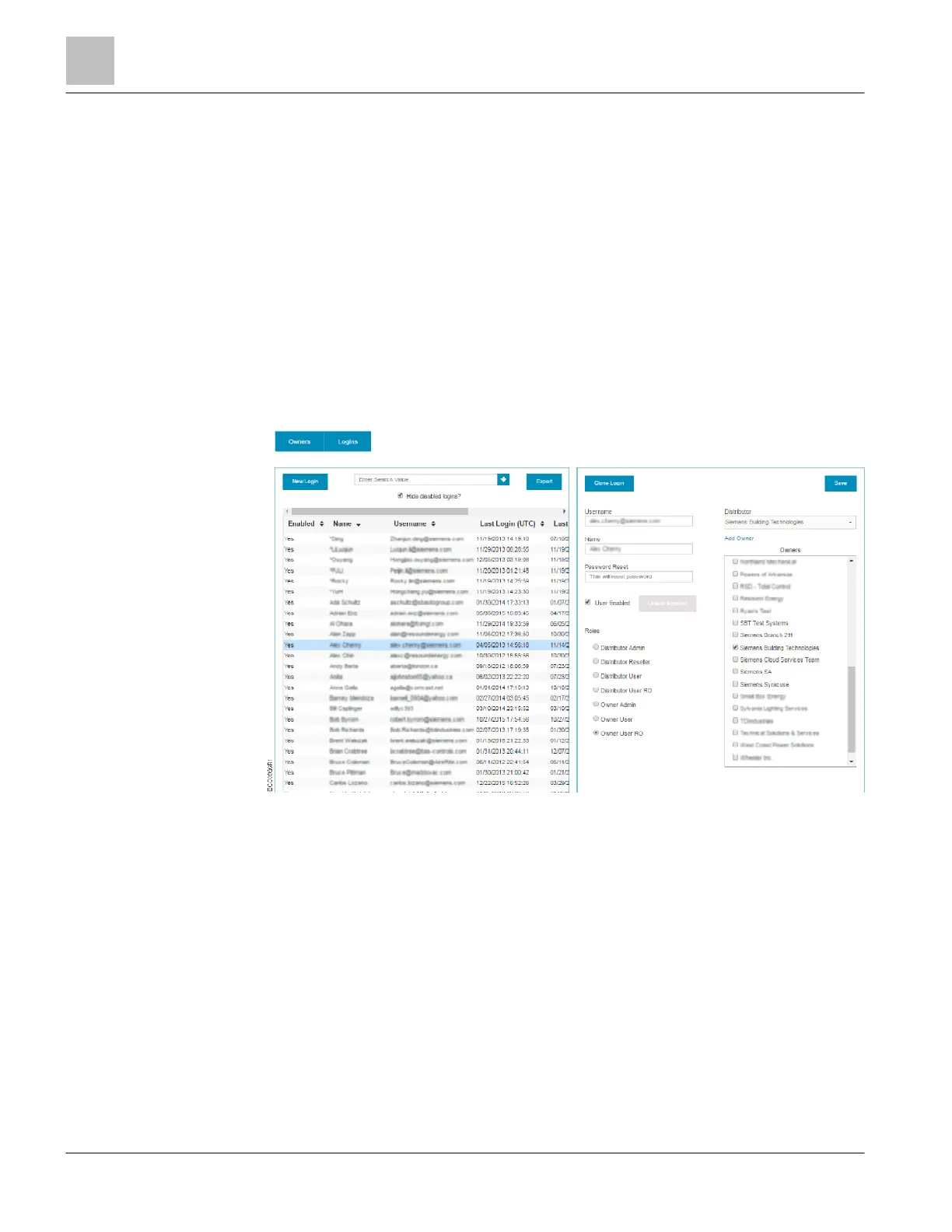
In the Owners section, select one or more individual check boxes for the owners
that the user will be able to view. Owner level logins may only have one owner
selected, while Distributor level logins allow multiple owners to be selected.
9. Click the Save button.
⇨
The message User updated displays and the new account is added to the User
List.
Cloning a User Login
1. Click Admin to display the Admin page.
2. Click Logins to display the User List.
3. Select an account to clone from the User List.
4. Click the Clone Login button.
a The Clone Login dialog box displays.



 To Next Page