23 |
Siemens Industry, Inc.
EcoView Energy Management System
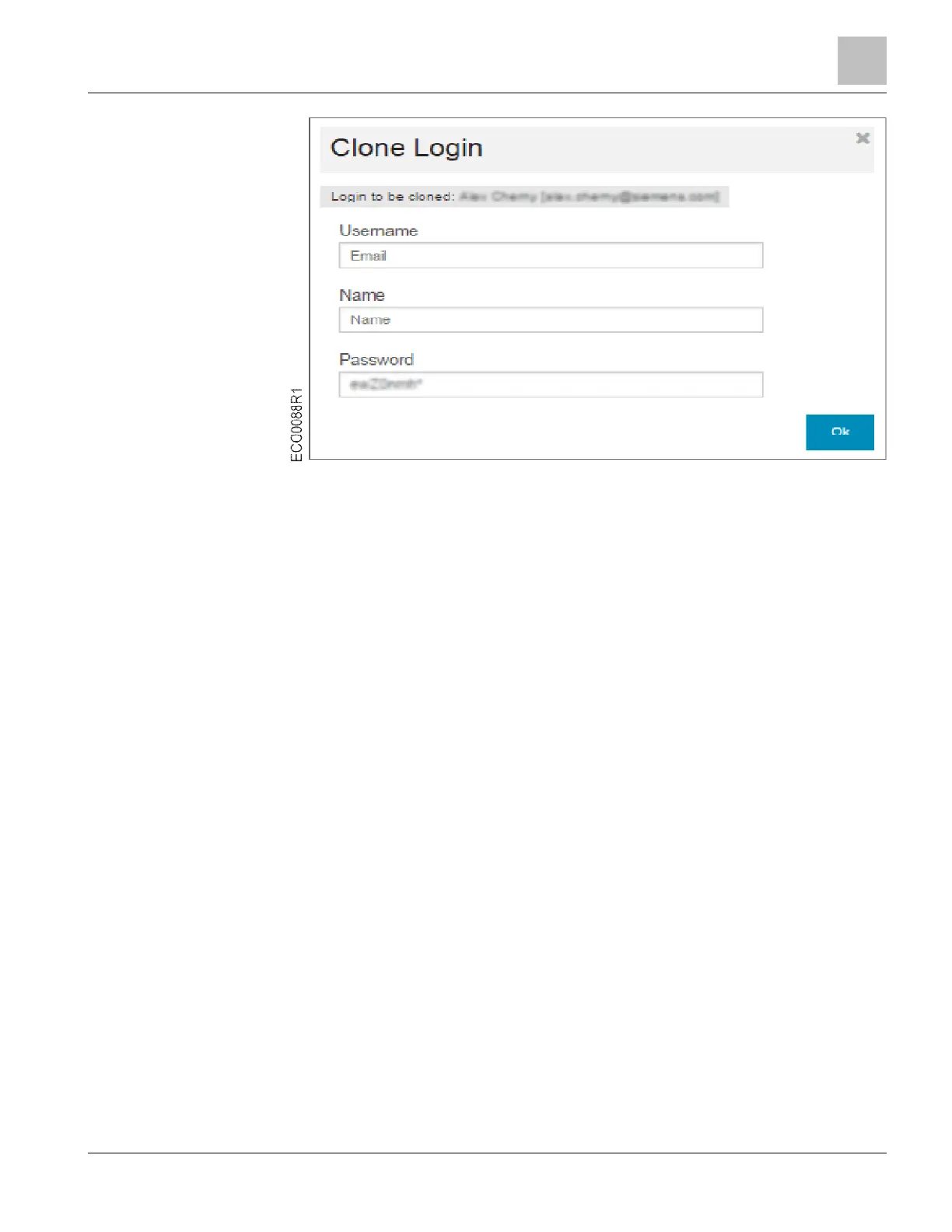
5. In the Username field, enter the user’s email address.
6. In the Name field, enter the user’s name.
7. A randomly generated password will be displayed in the Password field. You may
edit the default password. The user will be prompted to change the default
password on first login.
8. Click the Ok button.
a The message User updated displays, the new account is added to the User List,
and an automated welcome email containing password reset instructions is sent to
the new user.
NOTE: Users who have trouble signing in are able to request a password reset
without manager intervention by clicking the Trouble signing in? link below the Sign
In button on the EcoView Web login page.



 To Next Page