7 Simulation of the Controlled System
Set23_RegSim
Entry ID: 23753479, V2.3.S, 02/2014
© Siemens AG
2014 All rights reserved
Click on the green I/O field (desired
pressure).
A number keyboard is displayed to change the
values.
The setpoint value (green graph) escalates, the
actual value (blue graph) is readjusted.
Click on the yellow I/O fields (lag times)
and set a higher value.
• the actual pressure P
act follows the setpoint
pressure P
set faster.
• the adjustment is less precise.
• the adjustment tends to overshoot more.
Click on the F1 button to navigate to the
“mainscreen”.
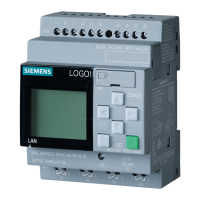
Click on the F6 button to navigate to the
screen “LOGO! 12/24RCE”.



 To Next Page