7.4 Simulation of the “LOGO! TD”
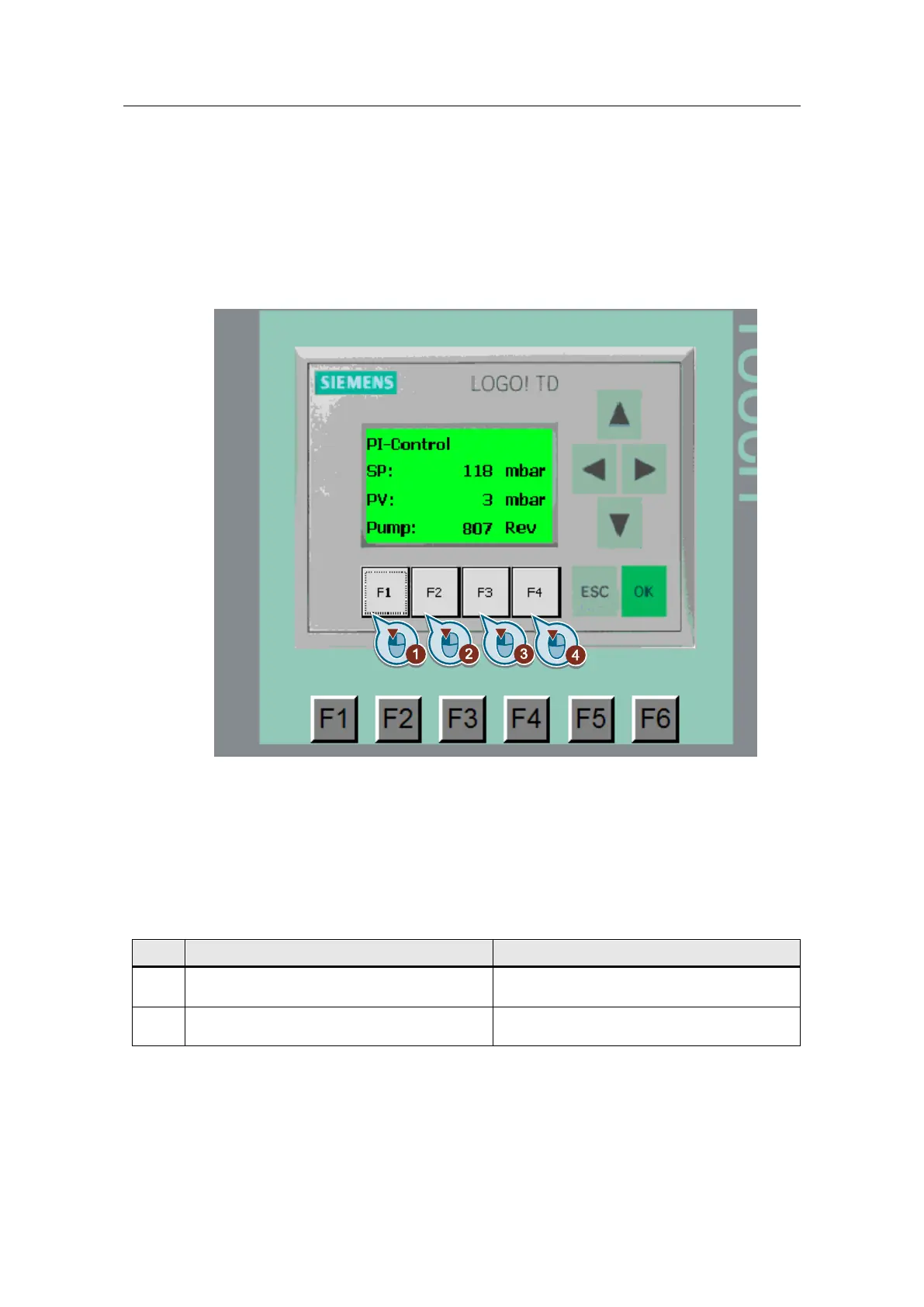
In the screen “LOGO! TD Text display”, the display of the LOGO! TD is
reproduced. The setpoint pressure (SP), the actual pressure (PV) and the
revolutions of the pump are displayed as absolute values.
Figure 7-4
The operation of the simulated LOGO! TD is identical to the operation as described
in sections:
6.3 Scenario 2: Changing the language and switching the backlight on/off via
LOGO! TD (2, 3),
6.5 Scenario 4: Change setpoint by means of LOGO! TD (1, 4)
The cursor keys (arrow keys) cannot be used.
Table 7-5





 To Next Page