RUGGEDCOM RX5000
Installation Guide
Chapter 2
Installing the Device
Mounting the Device to a Panel 9
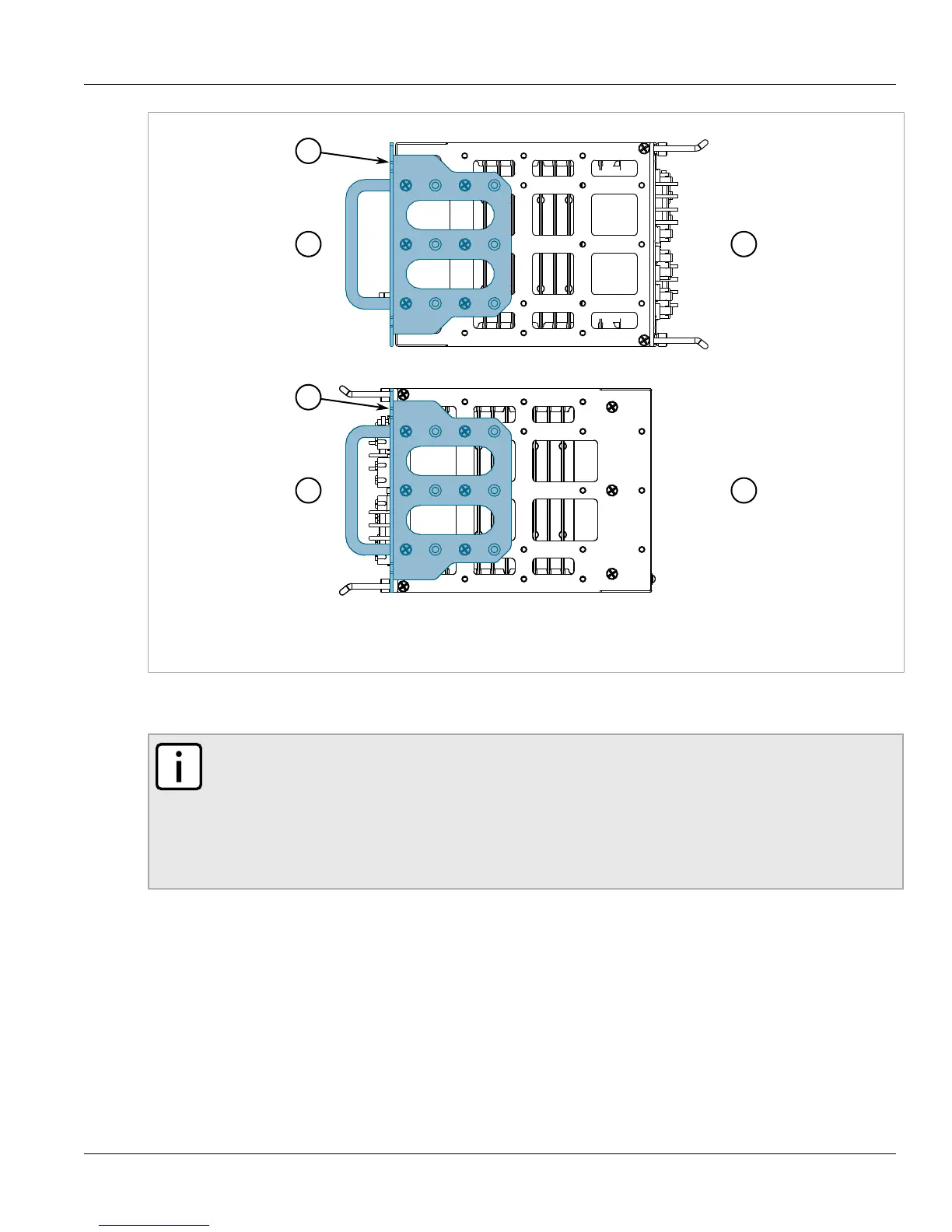
Figure3:Adapters
1.Rear 2.Front 3.Adapter
2. If required, install adapters on the opposite side of the device to protect from vibrations.
3. Insert the device into the rack.
NOTE
Since heat within the device is channeled to the enclosure, it is recommended that 1 rack-unit
of space, or 44 mm (1.75 in), be kept empty above the device. This allows a small amount of
convectional airflow.
Forced airflow is not required. However, any increase in airflow will result in a reduction of
ambient temperature and improve the long-term reliability of all equipment mounted in the rack
space.
4. Secure the adapters to the rack using the supplied hardware.
Section2.4.2
Mounting the Device to a Panel
For panel installations, the RUGGEDCOM RX5000 can be equipped with adapters pre-installed on each side of the
chassis. The adapters allow the device to be attached to a panel using screws.
To mount the device to a panel, do the following:



 To Next Page