RUGGEDCOM RX5000
Installation Guide
Chapter 3
Modules
Installing/Removing Line Modules 21
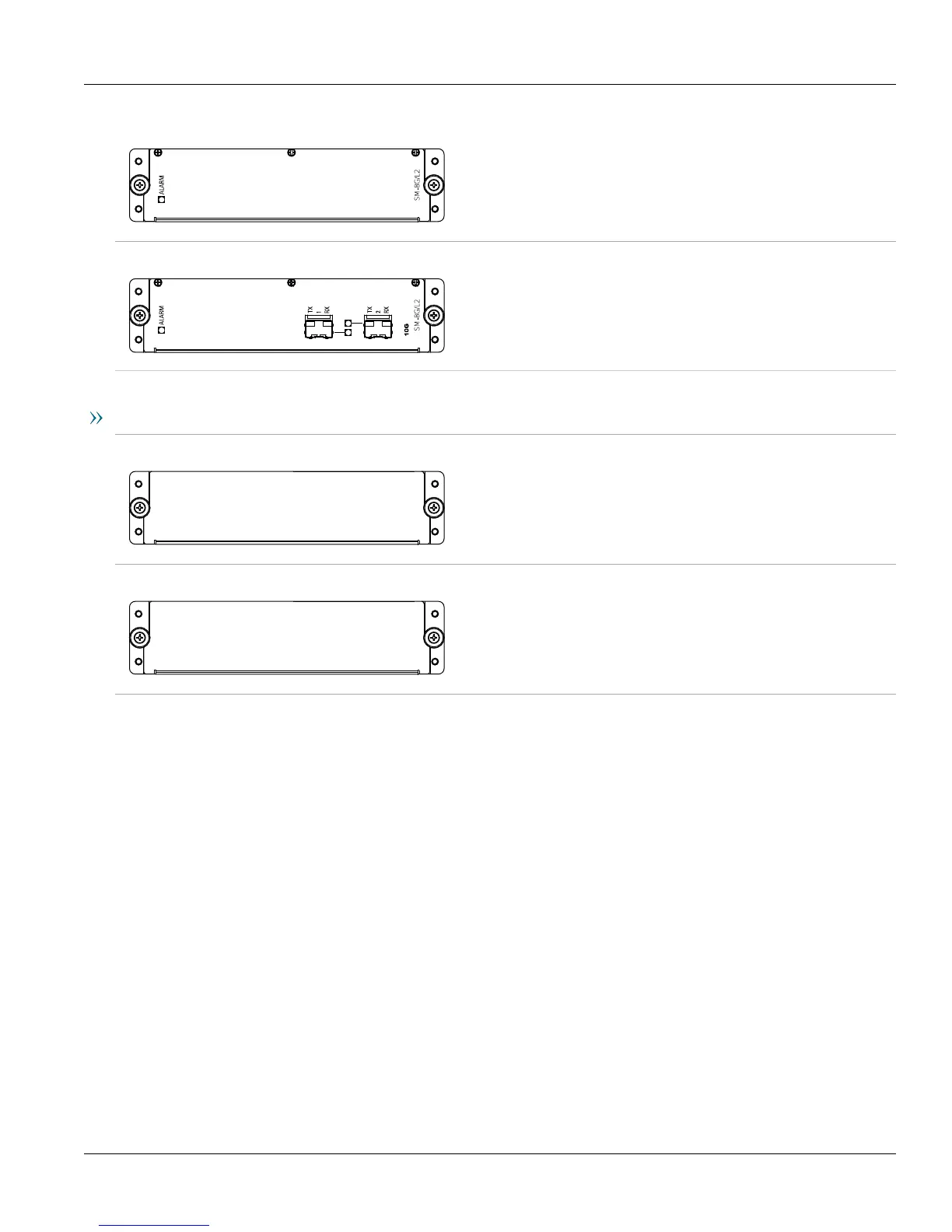
RUGGEDCOM RX5000PN SM61 Specifications
Layer 3/88 Gigabit Throughput,
no uplink ports
Article Numbers
6GK6050-0AL40-0VA0
(Standard)
6GK6050-0AL40-0VA1
(Conformal Coated)
RUGGEDCOM RX5000PN SM69 Specifications
Layer 3/88 Gigabit Throughput,
2x 10G SFP + Slots Blank
Article Numbers
6GK6050-0AL40-0WA0
(Standard)
6GK6050-0AL40-0WA1
(Conformal Coated)
Blank Modules
RUGGEDCOM RX5000PN PS XX Specifications
—
Article Numbers
6GK6050-0AL10-0AA0
RUGGEDCOM RX5000PN LM Blank Specifications
—
Article Numbers
6GK6050-0AL20-0AA0
Section3.2
Installing/Removing Line Modules
Upon installing a new line module in the device, all features associated with the module are available in
RUGGEDCOM ROX II. For more information, refer to the RUGGEDCOM ROX II User Guide for the RUGGEDCOM
RX5000.
Once a line module is removed, all the features associated with the module are hidden or disabled in RUGGEDCOM
ROX II.



 To Next Page