Chapter 3
Modules
RUGGEDCOM RX5000
Installation Guide
22 Installing/Removing Line Modules
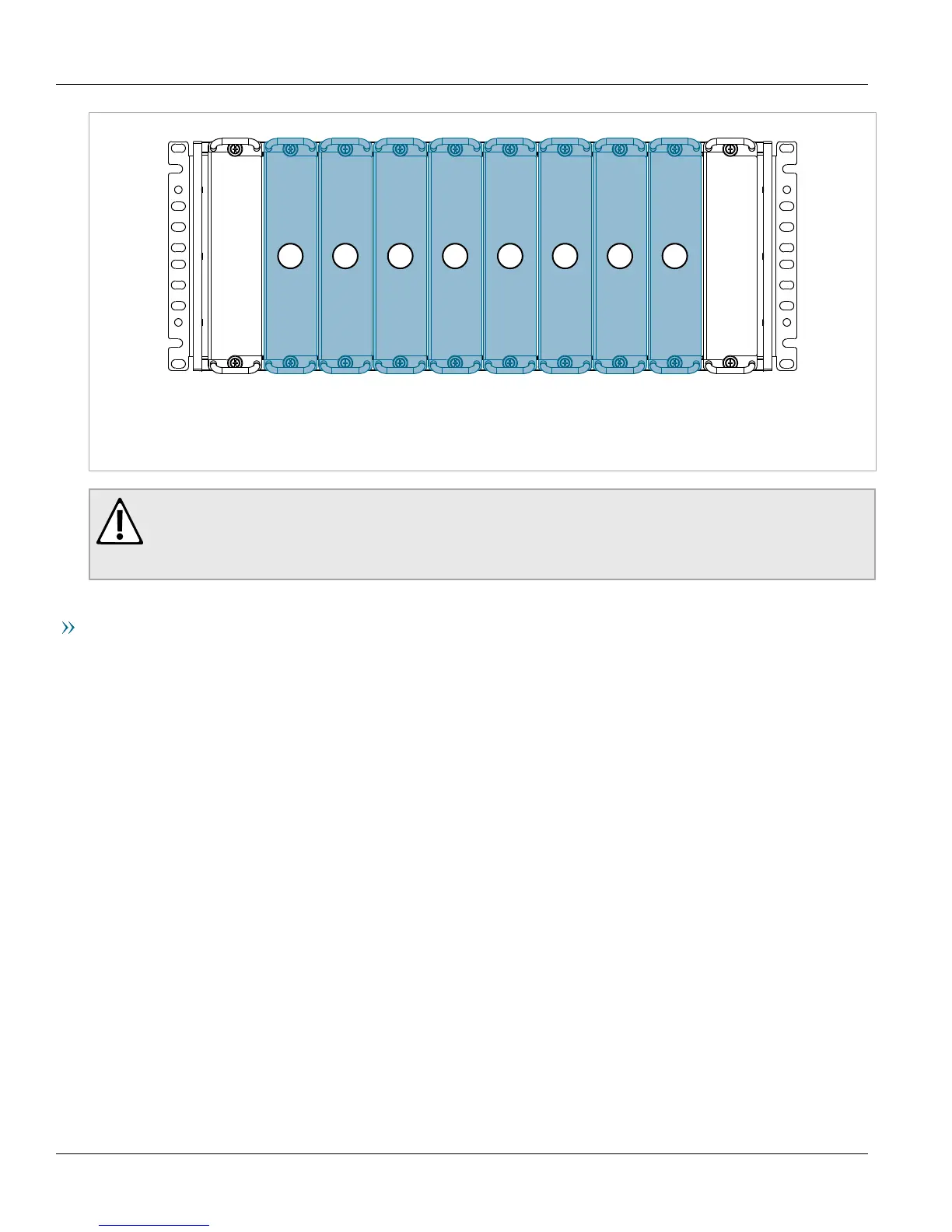
Figure13:Line Modules
1.Ethernet Module Slot (LM1) 2.Ethernet Module Slot (LM2) 3.Ethernet Module Slot (LM3) 4.Control Module (CM) 5.Switch
Module (SM) 6.Ethernet Module Slot (LM4) 7.Ethernet Module Slot (LM5) 8.Ethernet Module Slot (LM6)
CAUTION!
Contamination hazard – risk of equipment damage. Prevent the ingress of water, dirts and other debris
that may lead to premature equipment failure. Always make sure slots are not left empty and open
ports are protected with plugs or covers.
Removing a Line Module
To remove a line module, do the following:
1. Make sure power to the device has been disconnected and wait approximately two minutes for any remaining
energy to dissipate.
2. [Optional] If the device is installed in a rack, remove it from the rack.
3. Loosen the screws that secure the module.
4. Pull the module from the chassis to disconnect it.



 To Next Page