Chapter 3
Modules
RUGGEDCOM RX5000
Installation Guide
24 Installing/Removing Power Supply Modules
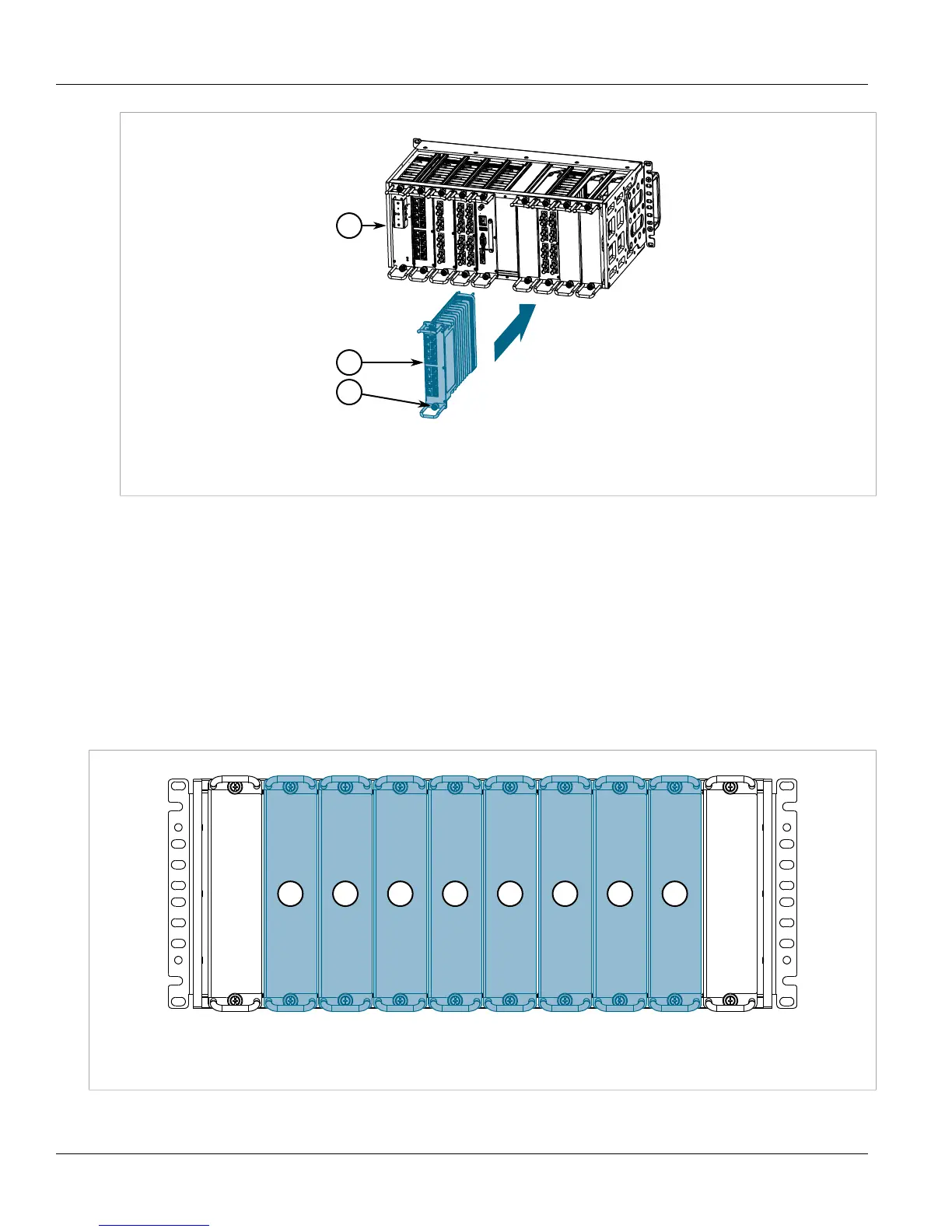
Figure15:Installing a Module
1.Chassis 2.Module 3.Screw
5. Tighten the screws to secure the module.
6. [Optional] If necessary, install the device in the rack.
7. Connect power to the device.
Section3.3
Installing/Removing Power Supply Modules
The RUGGEDCOM RX5000 supports dual redundant AC and/or DC power supplies that can be installed in any
combination.
Figure16:Power Supply Modules
1.Power Supply Module (PS1) 2.Power Supply Module (PS2)



 To Next Page