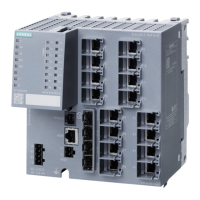
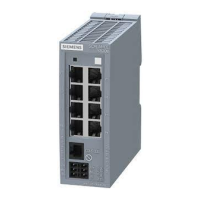
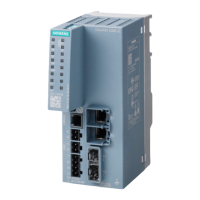
Description of the device
4.7 LED display
SCALANCE XM-400
Operating Instructions, 09/2018, C79000-G8976-C306-08
37
Meaning in display mode D
In display mode D, the port LEDs indicate whether the port is monitored.
- Off Port is not monitored.
If no link was established at the port the signaling contact
does not indicate an error.
Green On Port is monitored.
If no link was established at the port the signaling contact
indicates an error.
The port LEDs "P1", "P2" etc. show information about the corresponding ports.
The meaning of the port LEDs depends on the set display mode, see section
"AUTOHOTSPOT".
Meaning in display mode A
In display mode A, the port LEDs indicate whether a valid link exists.
- Off No valid link to the port (for example station turned off or cable not
Green On Link exists and port in normal status. In this status, the port can re-
Flashes once per period* Link exists and port in "blocking" status. In this status, the port only
receives management data (no user data).
Flashes three times per period* Link exists and port turned off by management. In this status, no data
is sent or received via the port.
Flashes four times per period* Link exists and is in the "monitor port" status. In this status, the data
traffic of another port is mirrored to this port.
* 1 period ≙ 2.5 seconds
Meaning in display mode B
In display mode B, the port LEDs indicate the transmission speed.
Port operating at 10 Mbps
Port operating at 100 Mbps
Port operating at 1000 Mbps
Port operating at 10 Gbps
If there is a connection problem and the type of transmission is fixed (autonegotiation off),
the desired status, in other words the set transmission speed (1000 Mbps, 100 Mbps, 10
Mbps) continues to be displayed. If there is a connection problem and autonegotiation is
active, the port LED goes off.

 To Next Page
 Loading...