A5E32106153 SITRANS Probe LR – QUICK START MANUAL Page EN-9
mmmmm
English
Security: (P000: Lock)
* Factory setting for P069 is 1954: after a new value is entered and accepted, it becomes the
default setting.
Activating SITRANS Probe LR
Power up the instrument. SITRANS Probe LR starts in RUN mode.
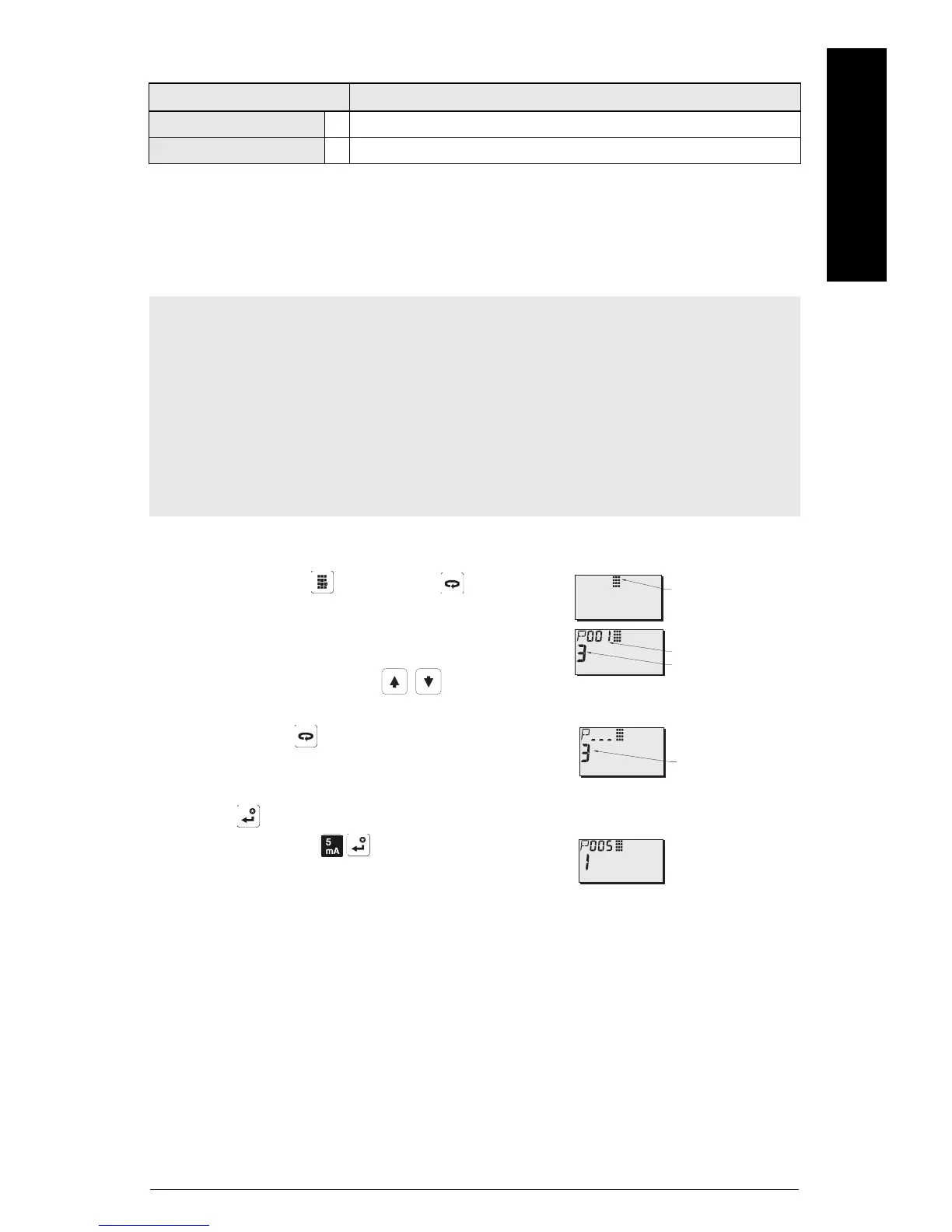
Accessing a parameter
1. Press PROGRAM then DISPLAY , to activate
PROGRAM mode.
2. Either use the ARROW keys to scroll to a
different parameter, or:
3. Press DISPLAY
to open the Parameter Number
field. (The current parameter value remains visible.)
4. Key in the desired parameter number followed by
ENTER .
For example: press
.
5. The LCD displays the new parameter number and
value.
Value Description
Value stored in P069 * Lock off: programming permitted
other Lock activated: no changes permitted
Notes:
• Keep infrared devices such as laptops, cell phones, and PDAs, away from
SITRANS Probe LR to prevent inadvertent operation.
• The following instructions apply when using the Hand Programmer.
• Do not use the Hand Programmer at the same time as SIMATIC PDM, or erratic operation
may result.
• You do not need to key in initial zeros when entering a parameter number: for example,
for P005, key in 5.
Parameter Value
Parameter Number
PROGRAM Icon



 To Next Page
 Loading...






