Calling
25
SL55 Fugu, lang en, A31008-H4910-A1-2-7619 (6. March 2003, 13:09)
© Siemens AG 2001, I:\Mobil\L55\SL55_Fugu\en_v2\Langversion\SL55_Phone.fm
Babysitter
If this is active, only one number can
be dialled.
Switch on
§Menu§KmKSecurity
KBabysitter
§Select§ Press.
J
Enter phone code.
The phone code (4 to 8 digits) is set
by you and entered at the first secu-
rity setting.
Please don't forget the number
(see also p. 18)!
§OK§ Confirm input.
§Change§ Press.
R/J Select phone number
from Addressbook (p. 35)
or Phonebook (p. 32) or
enter new number.
§OK§ Confirm "On".
Apply
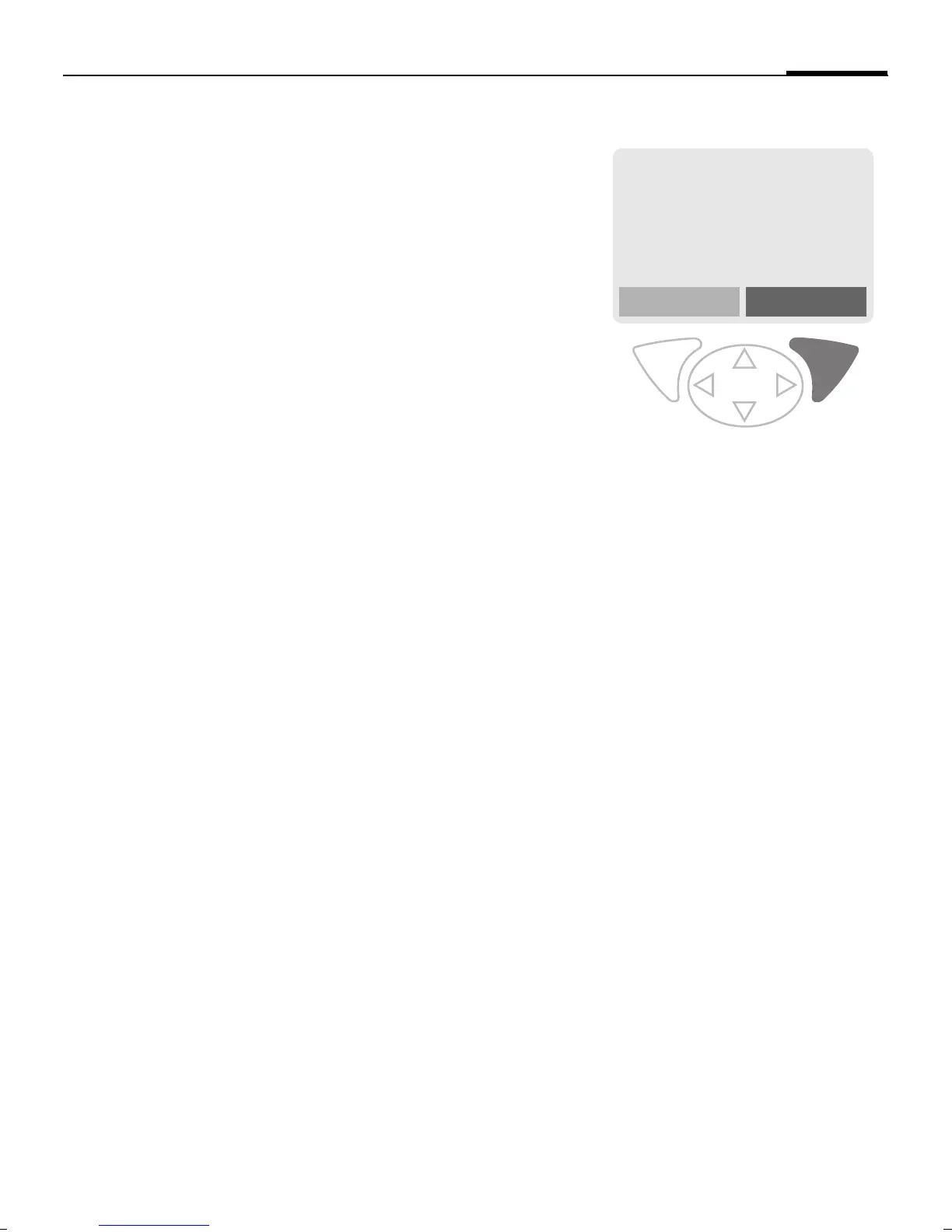
Use the right soft key and
hold it down to dial (e.g.
Carol's phone number).
Switch off
# Hold down.
J Enter phone code.
§OK§ Confirm input.
§Change§ Press.
§OK§ Confirm "Off".
_g
Service provider
25.04.2003 12:30
Carol


 To Next Page