] SMS
46
SL55 Fugu, lang en, A31008-H4910-A1-2-7619 (6. March 2003, 13:09)
© Siemens AG 2001, I:\Mobil\L55\SL55_Fugu\en_v2\Langversion\SL55_Messages.fm
Lists menu
Each list offers different functions:
§Options§ Open menu.
Archive
§Menu§K]KSMS archive
The list of SMS messages stored in
the phone is displayed.
Different functions are available, de-
pending on context:
Archive menu
§Options§ Open menu.
For further services, see Filesystem,
p. 108.
View
View entry.
Reply
Directly answer incoming
SMS messages.
Delete
Delete selected SMS
messages.
Delete all
Delete all SMS messages af-
ter confirmation.
Send
Dial number or select from the
Phonebook, then send.
Change
Open SMS message to edit.
Capacity
Display free capacity on SIM
card/phone. In case of seg-
ments: number of concatenat-
ed SMS messages.
Mark
a.unread
Mark message as unread.
Save to
9
Copy a highlighted phone
number to Phone/Address-
book.
Archive
Move SMS message to
archive.
Print via
IrDA
Send SMS message to a suit-
able printer.
Send via
...
Select an SMS profile for
transmission (p. 57).
Picture&
Sound
Save pictures or tones from
the SMS.
…
Unread
ƒ
Read
‚
Draft
„
Sent
¢
Entry on SIM card.
x
Concatenated message.
View
View entry.
Send
Dial number or select from
the Phonebook, then send.
Change
Open edit mode for
changes.
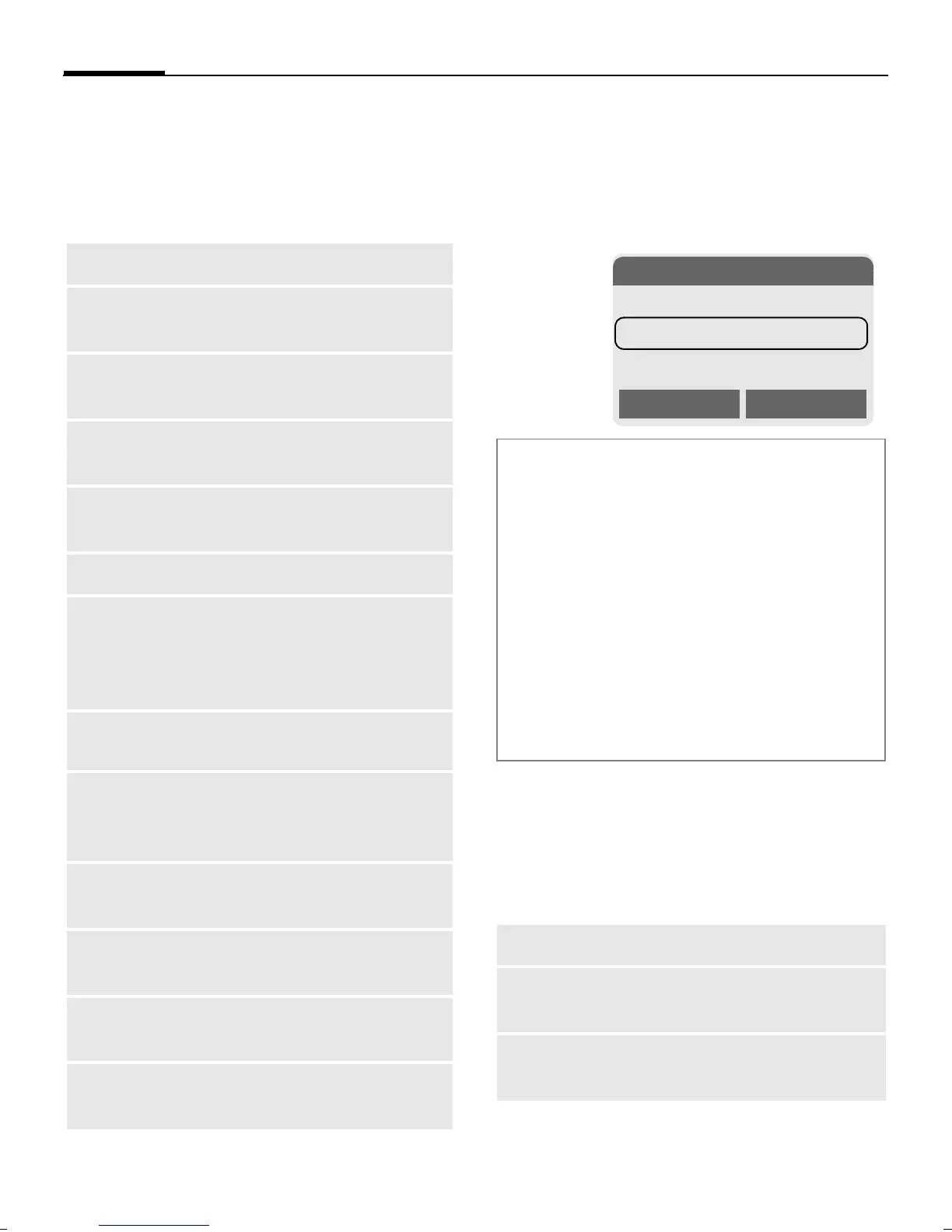
Ñ\SMS
INBOX
DRAFT
UNSENT
Options Select


 To Next Page