Addressbook
34
SL55 Fugu, lang en, A31008-H4910-A1-2-7619 (6. March 2003, 13:09)
© Siemens AG 2001, I:\Mobil\L55\SL55_Fugu\en_v2\Langversion\SL55_Adressbook.fm
AddressbookThe Addressbook can store up to
500 entries, each with a variety of
telephone and fax numbers as well
as additional address details. These
entries are managed separately from
those in the Phonebook in the phone
memory. However you can ex-
change data between the Address-
book and the Phonebook on the
SIM card.
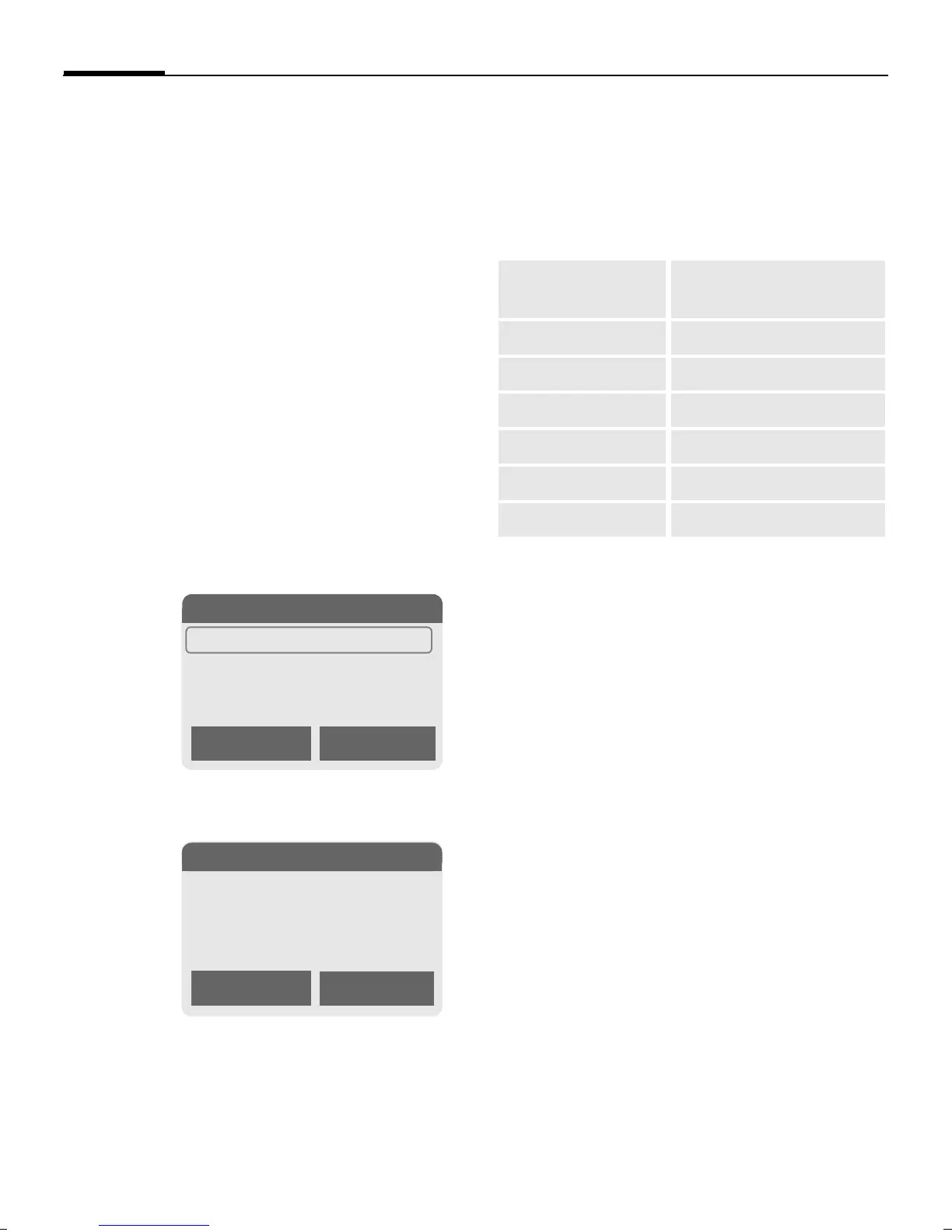
<New entry>
If the Addressbook has been selected
as standard:
F
Open Addressbook (in
standby mode).
§Select§ Press.
J
Enter first and/or last
name.
§Group§ Entries can be organised
by groups (p. 38). Select
with §Change§.
D
Make further entries field
by field.
Bitmap
§Select§ Assign an individ-
ual picture to an Address-
book entry. It is displayed
if you are called by the
corresponding phone
number (see p. 108).
All fields
§Select§ Show all input
fields if the display was
previously reduced (see
p. 36, Addressbook
menu, Field setup).
§Save§ Save the entry.
N Addressbook Ú
<New entry>
<Groups>
Carol
Import Select
š
New entry
Last name:
§Smith§
First name:
Clear Save
Phone: URL: (Internet
address)
Phone/office: Company:
Phone/mobile: Street:
Fax: Post code:
Fax 2: City:
E-Mail: Country:
E-mail 2: Birthday: (p. 35)


 To Next Page