Groups
38
SL55 Fugu, lang en, A31008-H4910-A1-2-7619 (6. March 2003, 13:09)
© Siemens AG 2001, I:\Mobil\L55\SL55_Fugu\en_v2\Langversion\SL55_Groups.fm
Groups 9 groups are specified in your phone,
to enable you to arrange your Ad-
dressbook entries clearly. You can
rename seven groups.
F
Open Addressbook (in
standby mode).
<Groups> Select (the number of en-
tries is listed behind the
group name).
G
Select group.
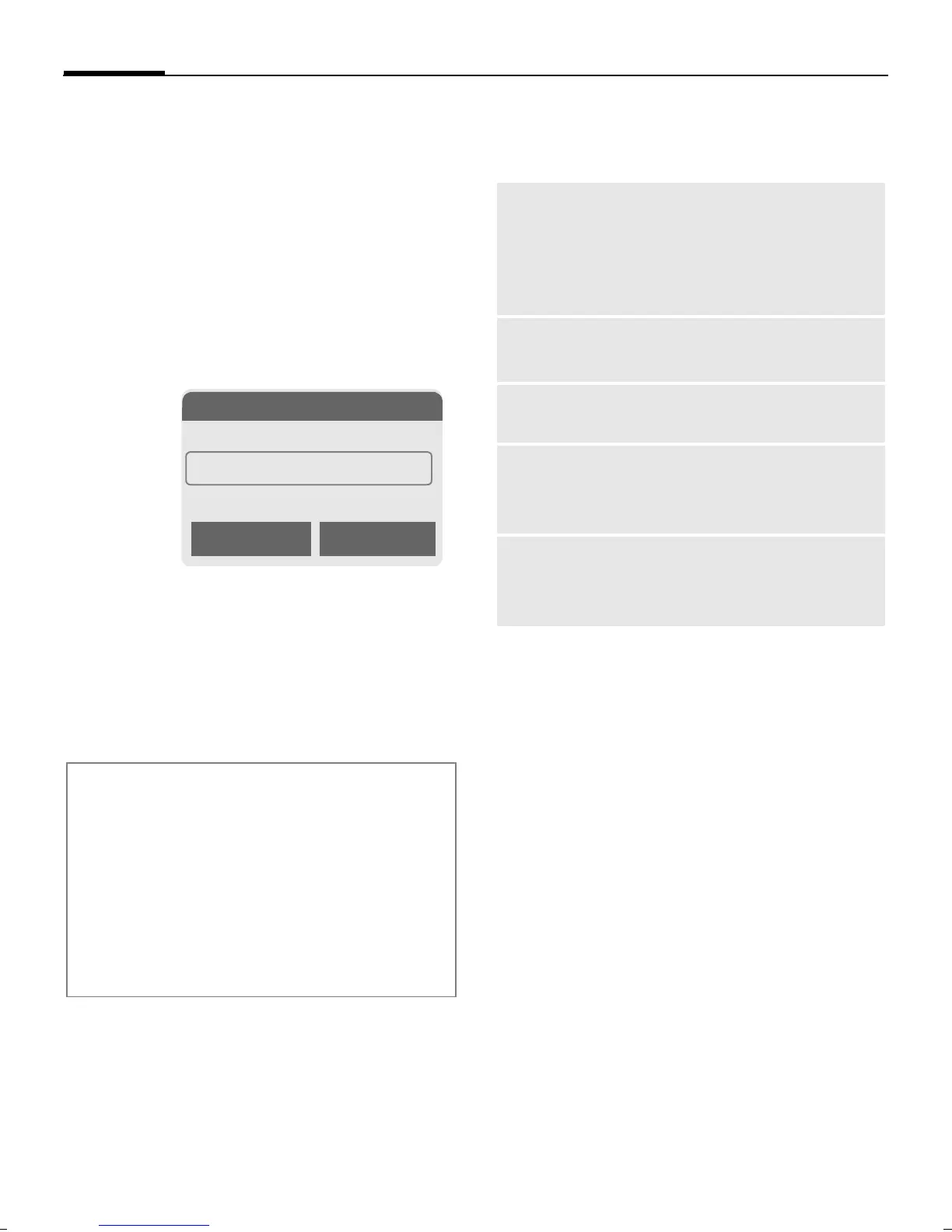
§Options§
Open menu.
Rename group
Select and give group a
name.
Group menu
§Options§
Open menu.
Group symbol
Assign to a group a symbol that ap-
pears on the display when one of its
members calls you.
G
Select group.
§Options§
Open menu.
Group symbol
Select.
H
Choose a symbol.
§OK§ Confirm.
Additional information
No group: Contains all Addressbook en-
tries that do not belong to a group (name
cannot be changed).
Empfangen: Contains vCard Addressbook
entries received by IrDA or SMS (name
cannot be changed).
SMS to group .................................... p. 44
N Groups
t
Leisure (5)
Ã
Private (23)
Ä Business (11)
Open Options
Open
Display all members of the
selected group.
§View Addressbook p. 35.
§Options See p. 36
Group
symbol
Assign a symbol to a group,
see below.
Rename
group
Change name of group.
Move
Transfer one or more high-
lighted entries from one group
to another.
Delete all
After confirmation, delete all
members of the current
group.



 To Next Page