54
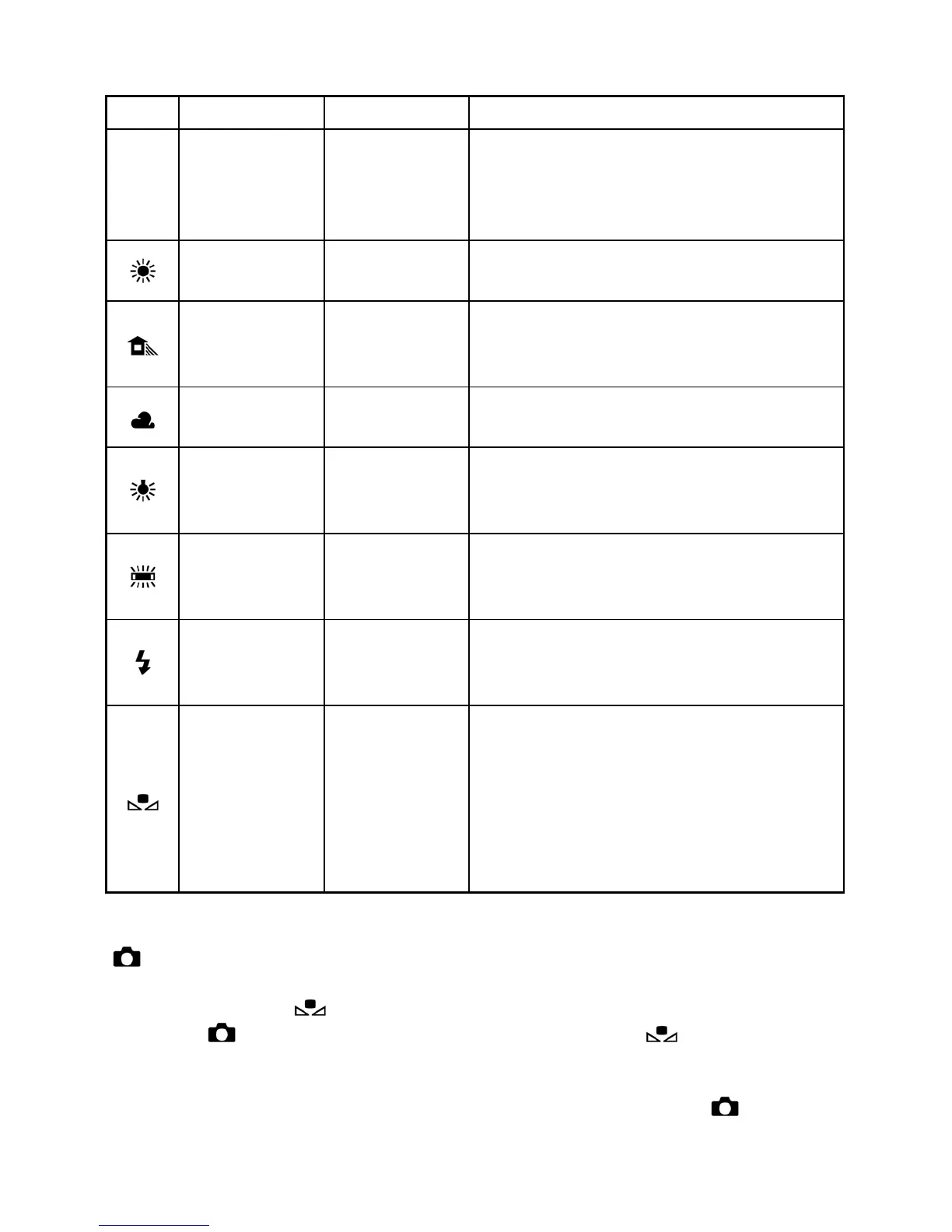
WHITE BALANCE OPTIONS
OPTION
COLOR TEMP.
DESCRIPTION
(AWB)
Auto *
Select this setting to allow the
camera to automatically determine
the appropriate white balance
adjustments.
Daylight
Approx.
5400 K
Select this setting when taking
pictures in full sunlight.
Shade
Approx.
8000 K
Select this setting when taking
pictures in the shade under sunny
skies.
Overcast
Approx.
6500 K
Select this setting when taking
pictures under cloudy, overcast skies.
Incandescent
Approx.
3000 K
Select this setting when taking
pictures indoors under incandescent
(tungsten) lighting.
Fluorescent
Approx.
4100 K
Select this setting when taking
pictures indoors under fluorescent
lighting.
Flash
Approx.
7000 K
Select this setting when taking
pictures with the Sigma EF-140 DG
SA-STTL flash.
Custom
Select this setting when using a
custom white balance. Use the "Set
Custom WB" menu option to create a
custom white balance setting. The
"Custom" option will not be available
if no custom white balance has been
set.
The White Balance can be set in Quick Set Menu (P. 3 4) or
[
Shooting Menu] (P. 2 6) → [White Balance].
When you select (Custom) in Quick Set Menu, the current stored
setting in [ Shooting Menu] →[White Balance] →[ Custom] will be
used.
To capture a new custom white balance, please set it from [ Shooting
Menu] (P. 2 6 ) → [White Balance] → [Custom] (See next page).



 To Next Page
 Loading...











