63
EXPOSURE COMPENSATION
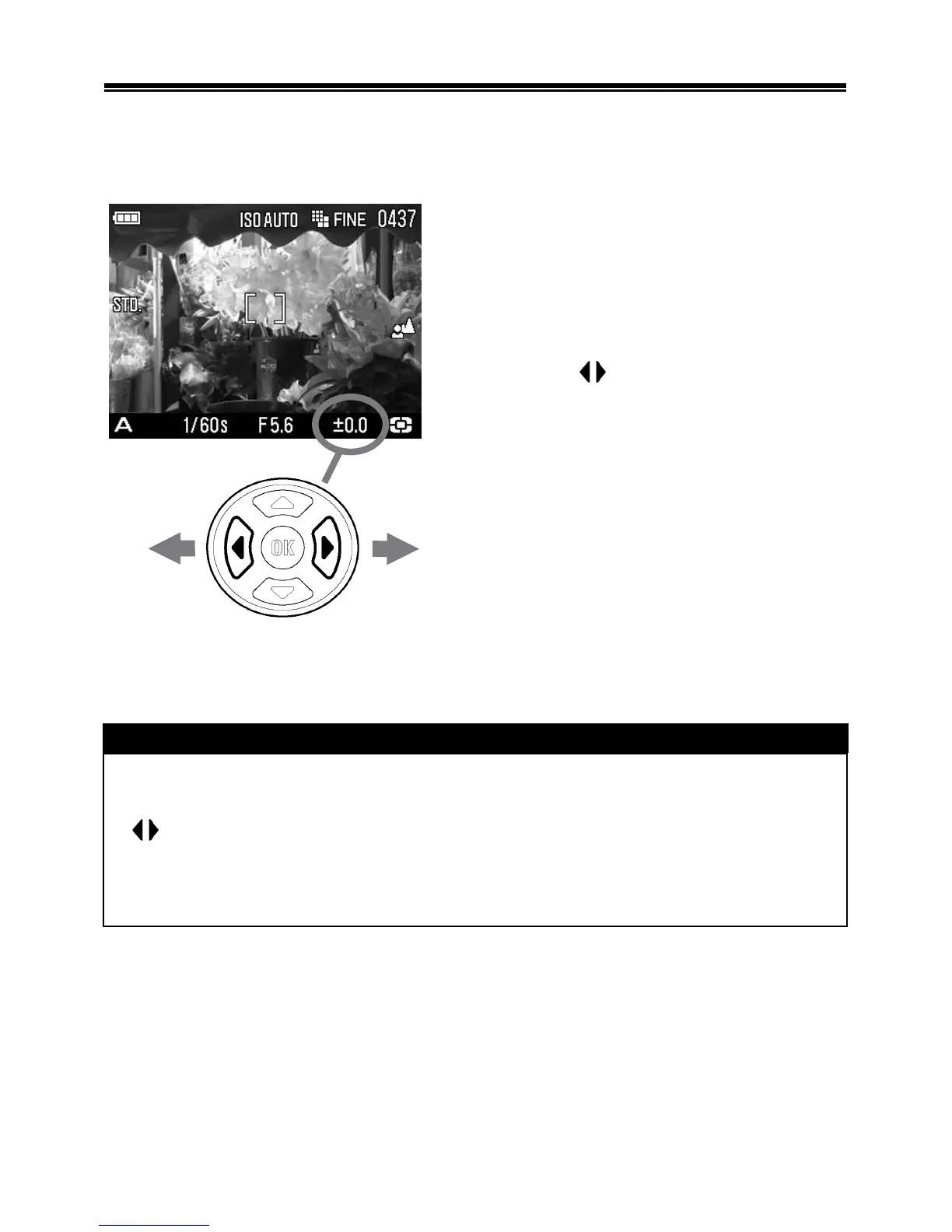
If you want to intentionally overexpose or underexpose the picture,
use this function.
Select the desired compensation value
by using the
buttons.
• Exposure compensation can be set
in 1/3 stop increments from +3.0 to
-3.0 stops.
CAUTION !!
• The exposure compensation will not disable automatically. After
taking the picture, set the compensation value to ±0.0 by pressing
button.
• Exposure compensation function cannot be used with Manual
Operation mode.



 To Next Page
 Loading...











