79
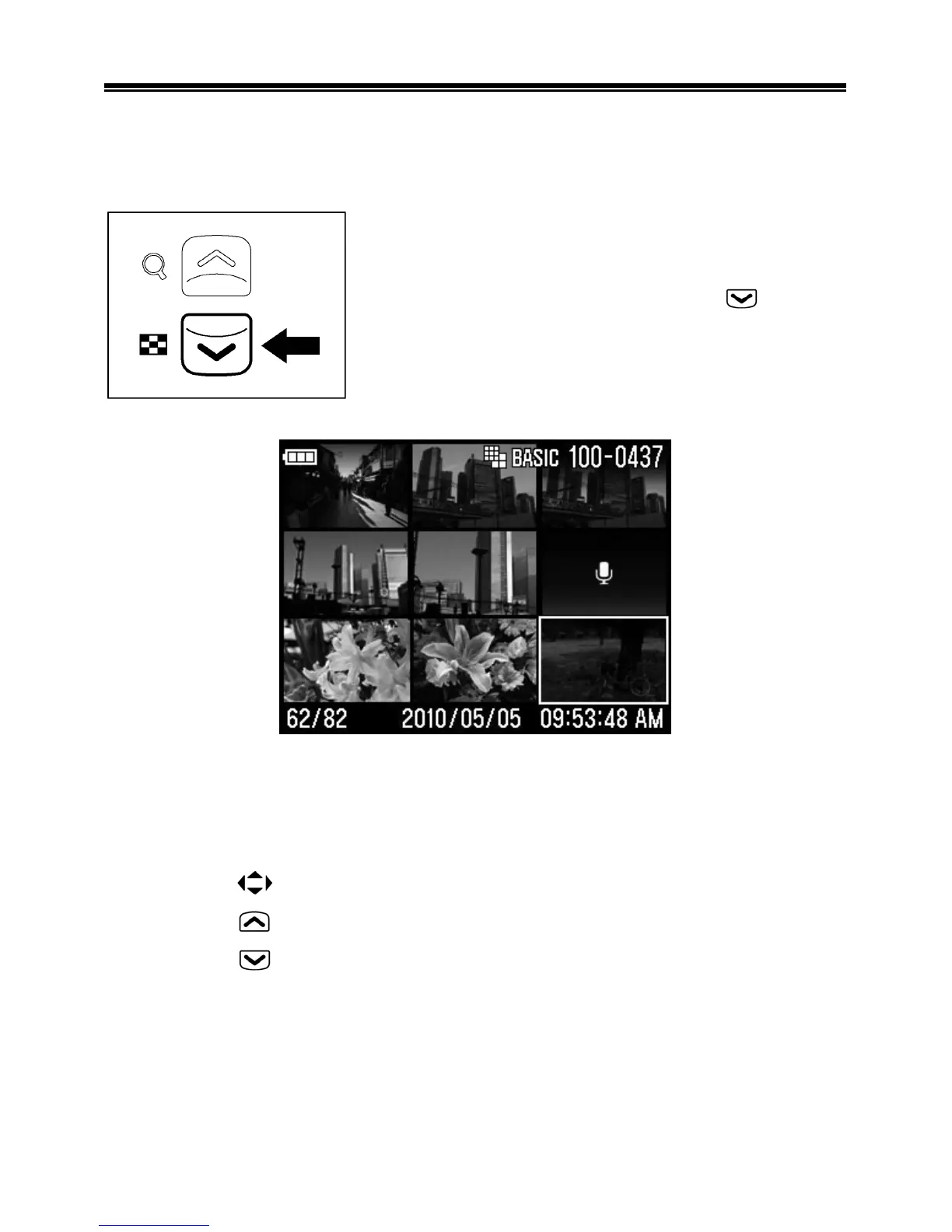
VIEWING NINE IMAGES AT A TIME
(CONTACT SHEET VIEW)
Images can be viewed in a "contact sheet" of nine thumbnail
images.
While reviewing images, press the button.
WHILE IN CONTACT SHEET VIEW:
z Press the
buttons to change the image selection.
z Press the
button to return to Single-Image View.
z Press the
button to go to Jump Mode.



 To Next Page
 Loading...











