AFTER SALES SUPPORT
1300 777 137
service@unclebills.com.au
MODEL: EA2306 PRODUCT CODE: 713007 08/2023
20
Instructions (cont.)
Intercom Controls
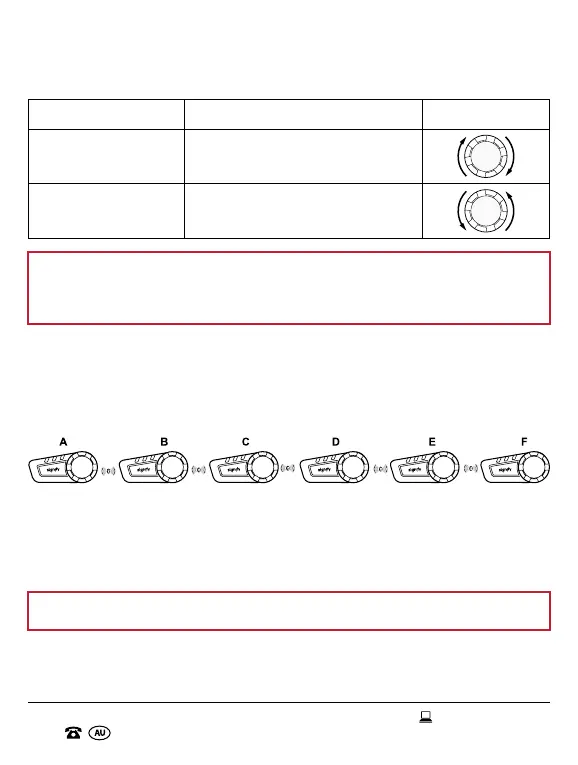
Function Action Button
Increase Volume Turn and hold the jog dial clockwise.
Decrease Volume
Turn and hold the jog dial
anticlockwise.
NOTE: Any incoming calls received while using the intercom function
will automatically pause the conversation and the intercom will resume
once your call has ended.
Pairing Additional Headsets
The Motorcycle Bluetooth
®
Kit can support up to 6 way intercom. To do so,
additional headsets will need to be paired in a particular sequence. Follow
the steps below to pair up to six headsets.
Pair: This is referred to frequently in this section. Please refer to page 18 for
instructions on Intercom Pairing.
Turn Off: This is referred to frequently in this section. Please refer to page 14
for instructions on Turning the Headset On/Off.
NOTE: Ensure both headsets are placed next to each other when pairing.


 To Next Page