CRYSTALCUBE—User Manual
Inserting the Remote Control Batteries
1.
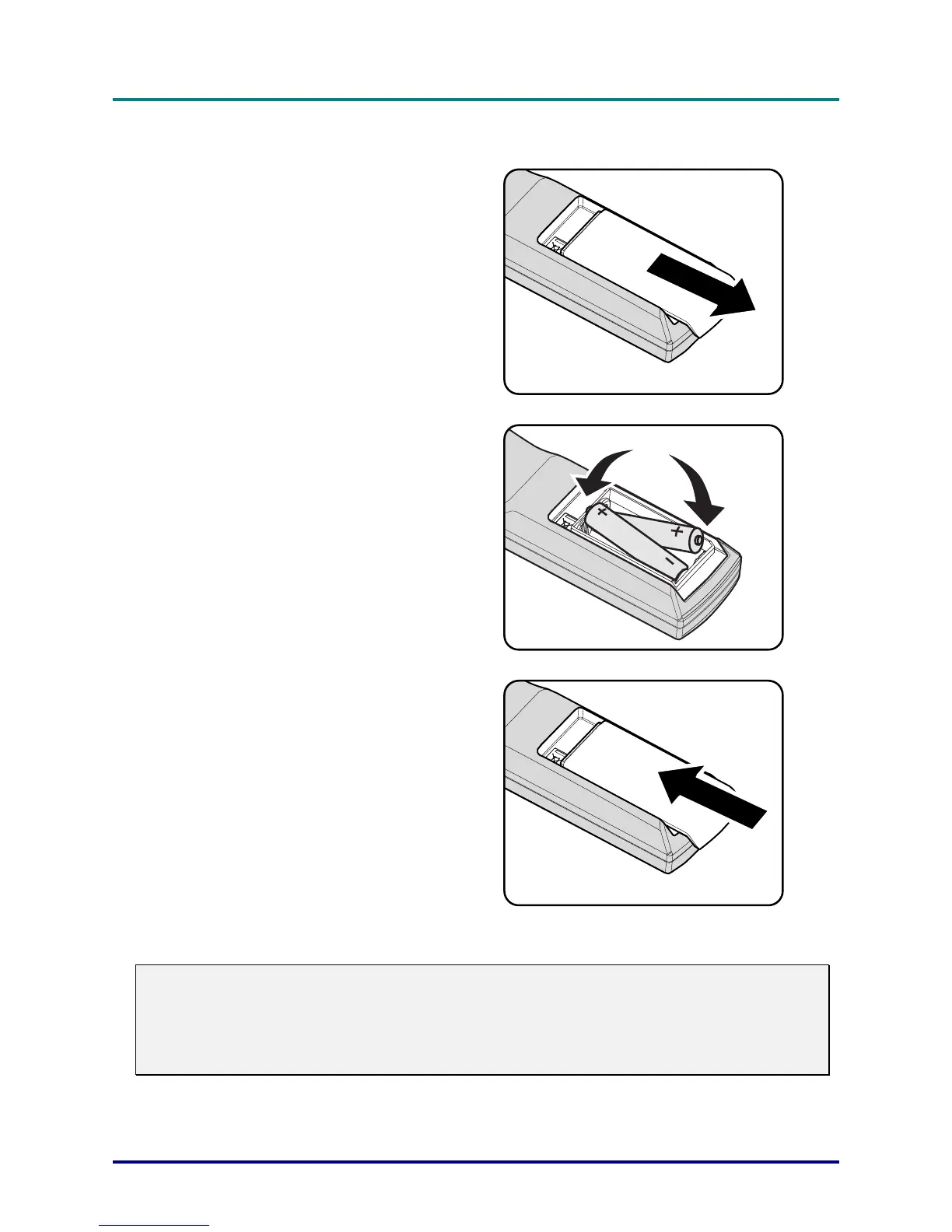
Remove the battery compartment
cover by sliding the cover in the
direction of the arrow.
2.
Insert the batteries paying attention
to the positive pole.
3.
Reinsert the compartment cover by
sliding the cover in the direction of
the arrow.
Caution:
1. Only use AA batteries (Alkaline batteries are recommended).
2. Dispose of used batteries according to local ordinance regulations.
3. Remove the batteries when not using the projector for prolonged periods.
– 9 –



 To Next Page