CRYSTALCUBE—User Manual
Advanced 2 Feature
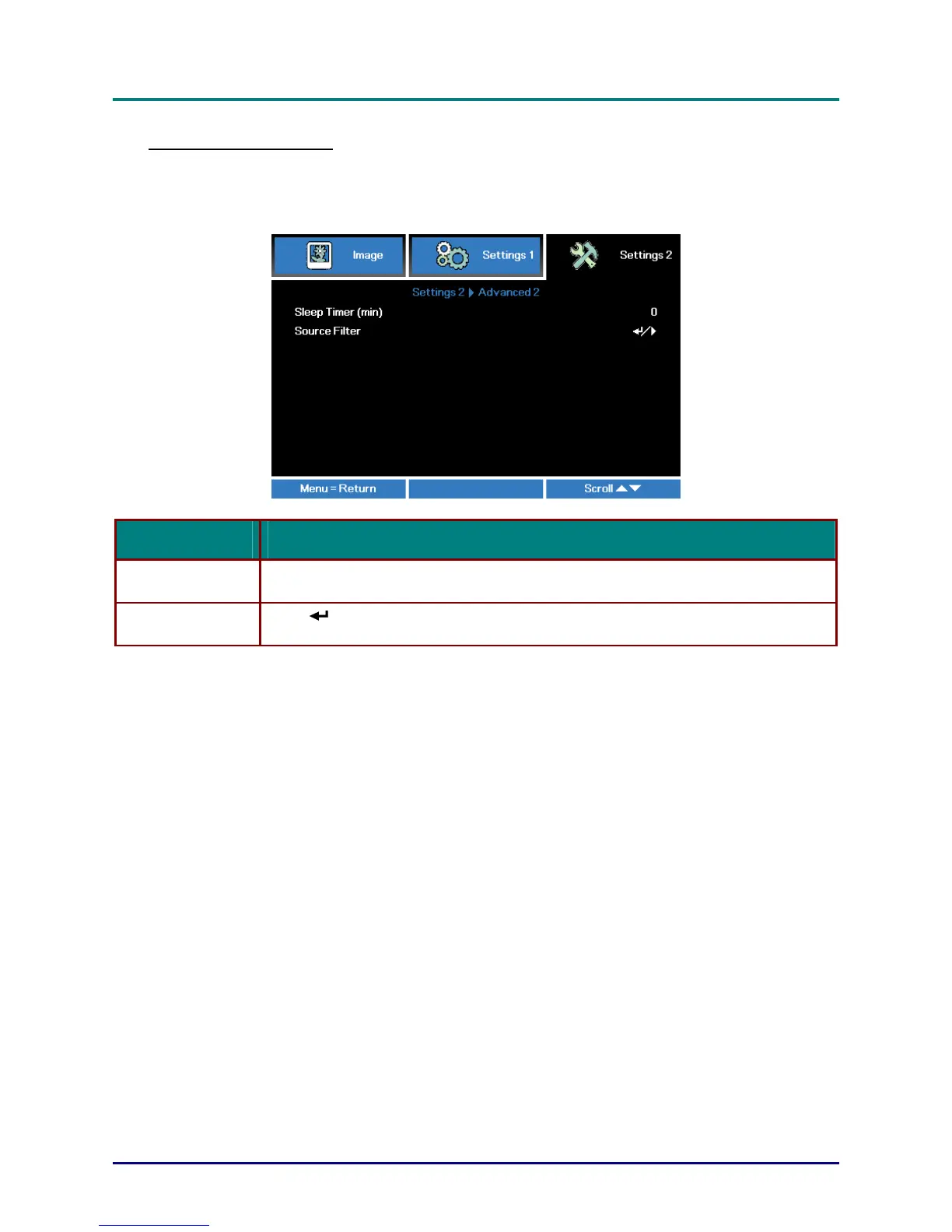
Press the Menu button to open the OSD menu. Press ◄► to move to the Settings 2 menu. Press
▲▼ to move to the Advanced 2 menu and then press Enter or ►. Press ▲▼ to move up and down
in the Advanced 2 menu. Press ◄► to
enter and change values for setting.
ITEM DESCRIPTION
Sleep Timer (min)
Press the cursor ◄► button to enter and set Sleep timer. The projector automatically
turns off after the preset period of time.
Source Filter
Press
(Enter) / ► to enter the Source Filter menu. See page 35 for more
information on Source Filter.
— 34 —



 To Next Page