CRYSTALCUBE—User Manual
5.
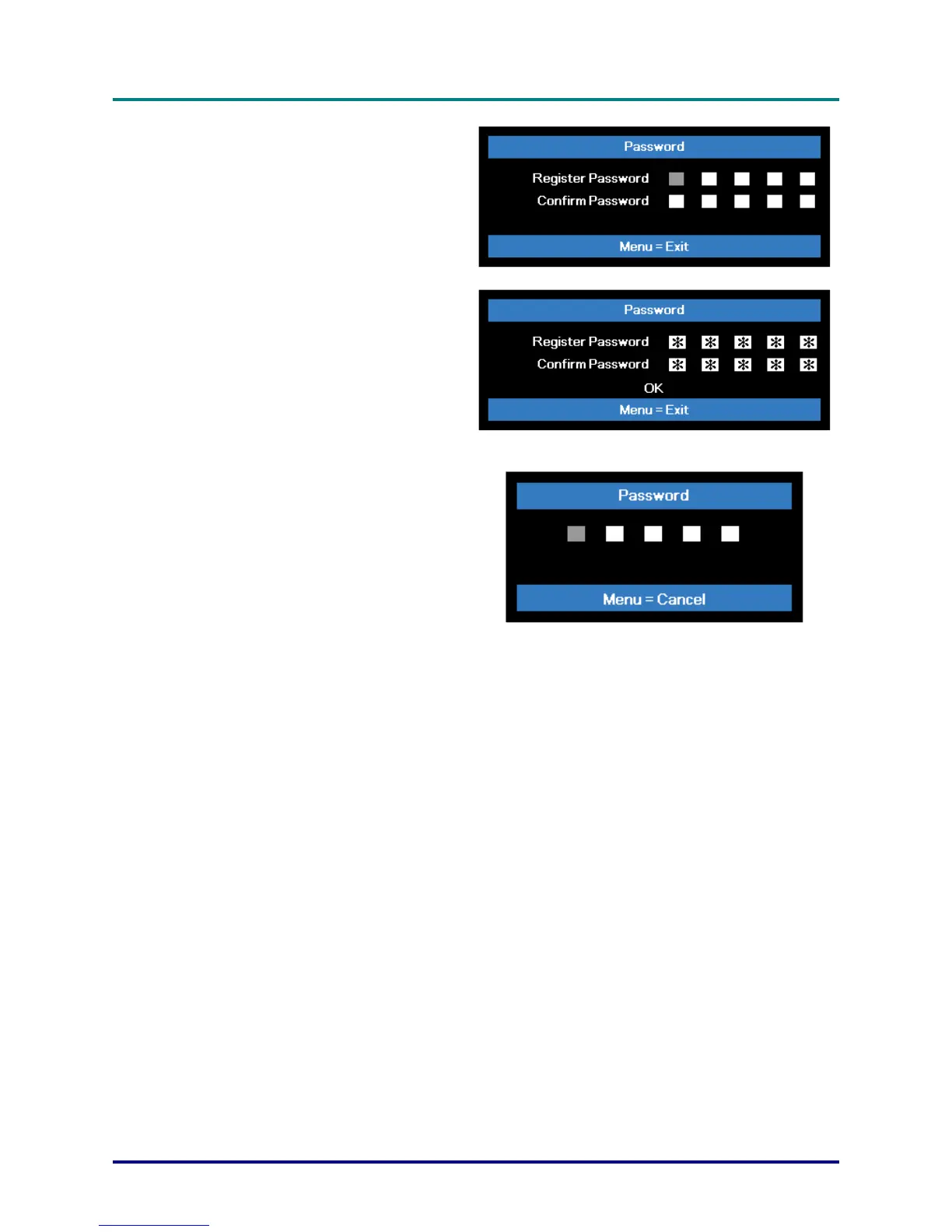
You can use the cursor buttons
▲▼◄► on IR remote control for
password entry. You can use any
combination including the same arrow
five times, but not less than five.
Press the cursor buttons in any order
to set the password. Push the MENU
button to exit the dialog box.
6.
The password confirm menu appears
when user presses the power-on key
in case the Security Lock is enabled.
Enter the password in the order you
set it at step 5. In case you forget the
password, please contact the service
center.
The service center will validate the
owner and help reset the password.
– 13 –



 To Next Page