CRYSTALCUBE—User Manual
7.
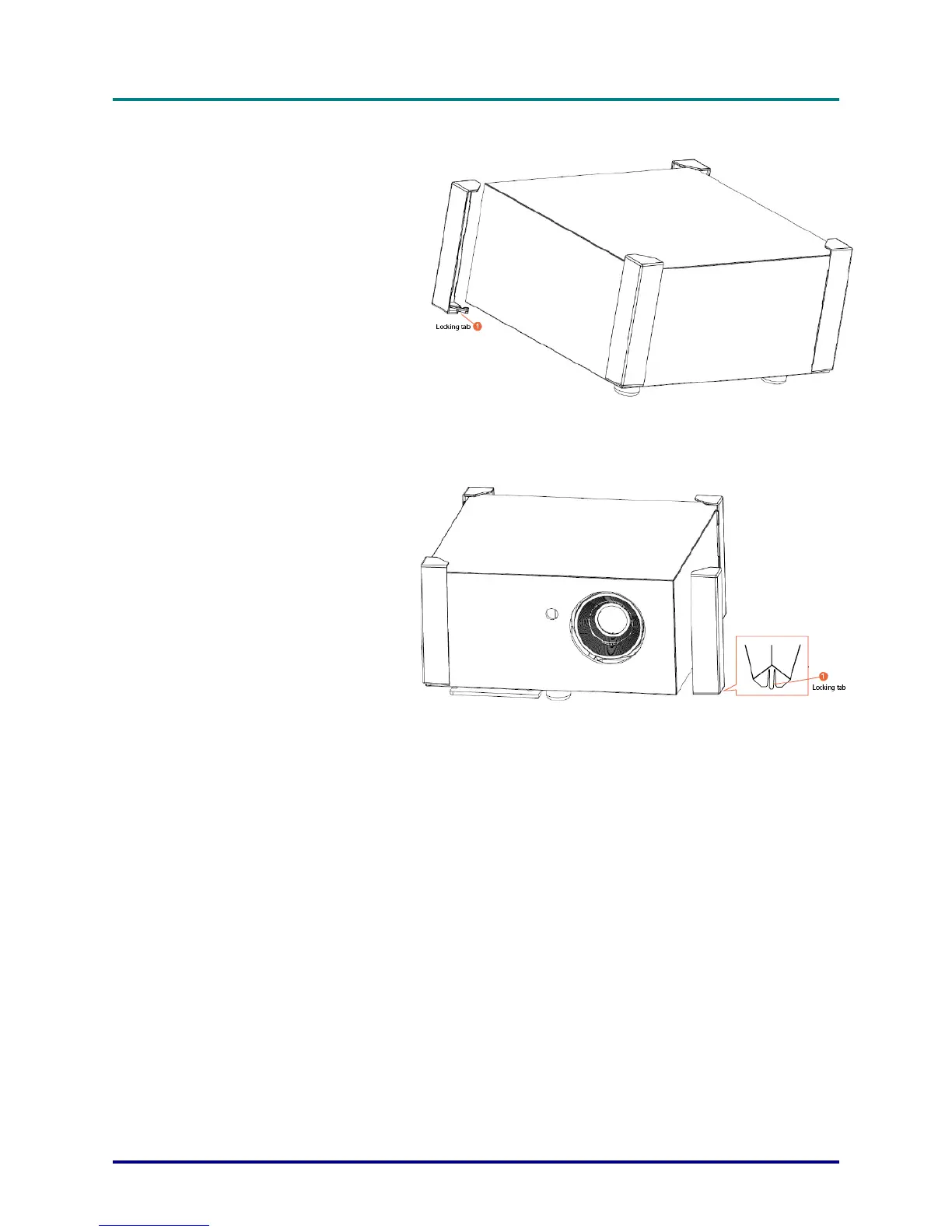
Insert the angular brackets
to the corresponding cabinet
edges paying attention to
insert them with the locking
tab oriented to the bottom of
the projector. These angular
brackets are in the supplied
projector kit in its nylon bag.
(SIM2 supply five angular
brackets, four pieces to use
for the ceiling mounting and
one for spare part)
8.
If you need to remove the
angular brackets, unfasten
the locking tab.
– 15 –



 To Next Page