SD1 User’s Manual
digital drum kit
Training Mode
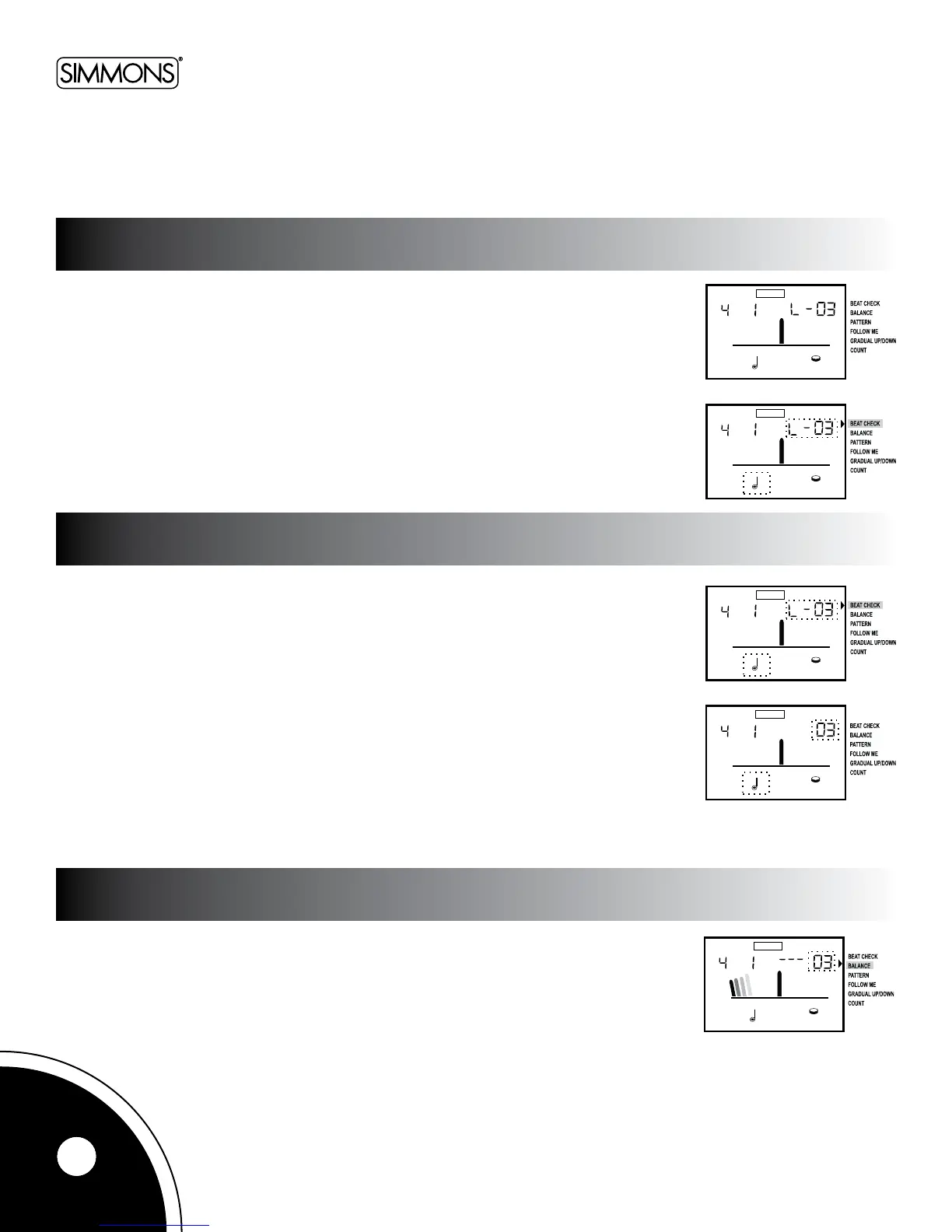
Pressthe[TRAINING]buttontoselectthedesiredfunction.
Pressthe[+]or[-]buttonstoselecttheexerciseitem.ThearrowontheLCDpointstothe
selectedfunction.Pressthe[START/STOP]buttontostartorstoptheexercise.
TheBeatCheckmodeisusedwithallothertrainingmodes.Regardlessofhowthe
metronomesoundisplayedinothertrainingmodes,therhythmwillbechecked
accordingtothebeatchecksetting.Thebeatcheckresultappearsonthedisplay.
Beat Check Level
•L-1/Quarternote(relativelyeasiertiming)
•L-2/Quarternote(moreexacttiming)
•L-3/8
th
note(relativelyeasiertiming)
•L-4/8
th
note(moreexacttiming)
•L-5/16
th
note(relativelyeasiertiming)
•L-6/16
th
note(moreexacttiming)
•L-7/16
th
notetriplets(relativelyeasiertiming)
•L-8/16
th
notetriplets(moreexacttiming)
Thisfunctionchecksthedifferencesinplayingdynamicsbetweentheleftandrighthands
(oronehand).
Pressthe[START/STOP]buttontostartorstoptheexercise.
This function has a unique set of exercises specifically designed to help build speed, accuracy, stamina,
and better timing skills.
changing the exercise function
beat check
balance
10



 To Next Page