SD1
www.simmonsdrums.net
15
Record Mode
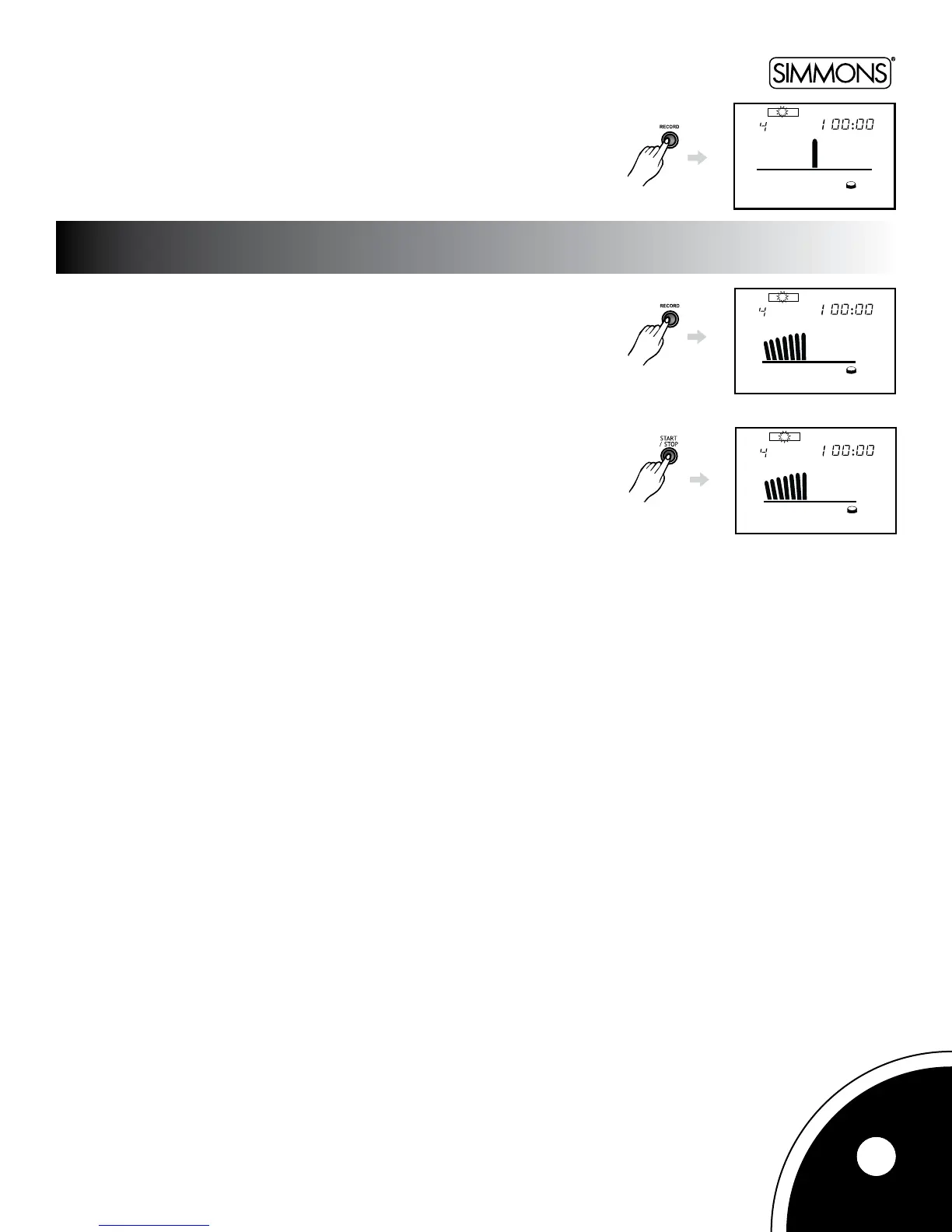
Pressthe[RECORD]buttontoenterRecordmode.TheRecordindicatorwillappearon
theLCD.TheLCDwillashiftherecordeddatahasbeenstoredtothedigitaldrum.
InRecordmode,pressthe[RECORD]buttontostartrecordinganewpattern.
Thedrumwillnowplaythepattern(i.e.beatandrhythm)thatissetinthemetronome.
You can play according to this pattern.
Ifyou’dliketomutethebackgroundpattern,setthemetronome’svolumeto0
before recording.
Stop Recording
InRecordingmode,pressthe[START/STOP]buttontostoptherecording.
Playback
InRecordmode,pressthe[START/STOP]buttontoplaybacktheuserpattern.
START RECORDING



 To Next Page