Adjusting the MIDI Note
In voice mode, MIDI note: (0-99).
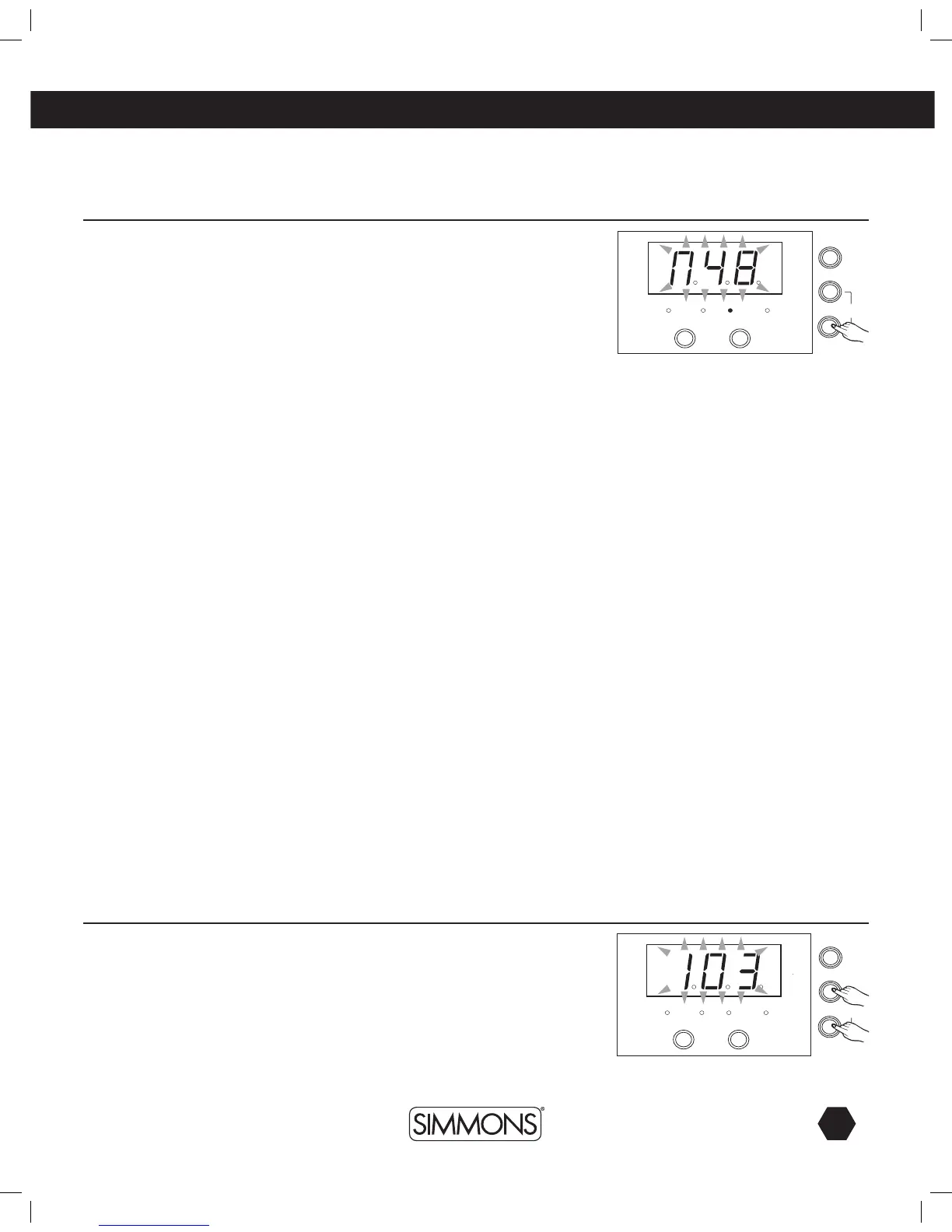
1. Press [MODE] button to select the voice mode, the voice LED indicator
will light.
2. Press [PAGE] button to select the MIDI note page, strike a drum pad, the
3-digit-LED will display the MIDI note (n48).
3. Press [+]/[-] to adjust the value. This value will automatically be saved
upon exit. Range: (0-99).
The Default MIDI Note Numbers:
The tempo range is 30-280 BPM.
Adjusting the Tempo
1. Press both [MODE] and [PAGE] buttons, the 3-digit-LED will display the
tempo page for 3 seconds.
2. Press [+]/[-] to adjust the value.
tempo



 To Next Page